A practical guide to web application security for non-technical founders — covering authentication, data protection, HTTPS, and the security features built into your template.
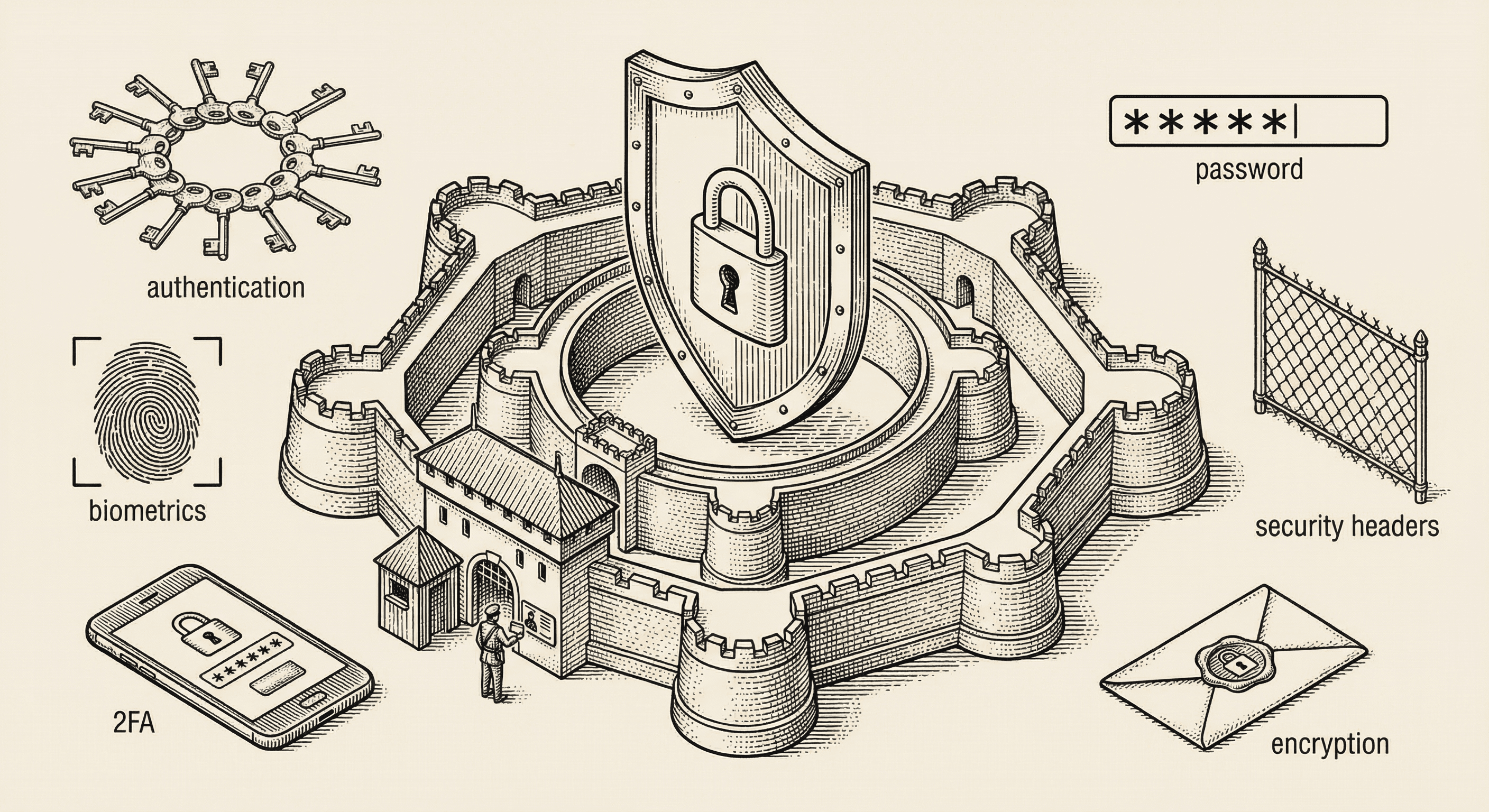
Security is not optional. The moment someone creates an account on your application, they are trusting you with their data — their email address, their password, their payment information, their personal content. Honoring that trust is both a moral obligation and a business necessity.
A security breach can destroy a product overnight. But here is the reassuring part: the most impactful security measures are straightforward to implement, and this template already handles many of them. This guide explains what matters, what is already taken care of, and what you need to be mindful of as you build.
Authentication is the process of verifying that someone is who they claim to be. When a user logs in with their email and password, your application is authenticating them.
Your application never stores actual passwords. Instead, it stores a "hash" — a one-way mathematical transformation of the password. When someone logs in, the application hashes the password they entered and compares it to the stored hash.
This means that even if someone gained access to your database, they would not see actual passwords — only hashes that cannot be reversed.
Supabase handles all of this for you automatically. Passwords are hashed using bcrypt, a proven algorithm specifically designed for password storage.
Multi-factor authentication adds a second layer of verification beyond the password. Even if someone steals a user's password, they cannot log in without the second factor — usually a code from an authenticator app on the user's phone.
This template includes MFA support through Supabase. For applications handling sensitive data or financial transactions, encouraging or requiring MFA is strongly recommended.
When a user logs in, your application creates a session — a temporary credential that proves they are authenticated for subsequent requests. Sessions have expiration times and can be revoked.
Important session security practices (handled by Supabase in this template):
OAuth allows users to log in using existing accounts (Google, GitHub, etc.) instead of creating a new password. This is often more secure because:
While authentication verifies identity ("who are you?"), authorization controls access ("what are you allowed to do?").
Every user should have the minimum level of access needed to do their job. A regular user should not have admin capabilities. A user should not be able to view another user's private data.
In practice, this means:
As discussed in the database article, row-level security (RLS) in Supabase enforces authorization at the database level. This is your strongest line of defense because it cannot be bypassed by application bugs.
Example rules:
user_id matches their own IDHTTPS encrypts all data traveling between the user's browser and your server. Without it, anyone on the same network (coffee shop Wi-Fi, for example) could intercept sensitive data.
This template enforces HTTPS by default. Vercel provides free SSL certificates automatically. Never allow your application to be accessed over plain HTTP in production.
Never trust user input. Every piece of data submitted by a user — form fields, URL parameters, file uploads — should be validated on the server before being processed or stored.
This template uses Zod for server-side validation. Zod lets you define schemas that describe what valid data looks like, and it automatically rejects anything that does not match.
Why is this important? Without validation, attackers can submit malicious data that could:
A Content Security Policy tells the browser which sources of content are allowed on your pages. It prevents attackers from injecting malicious scripts even if they find a vulnerability in your application.
This template includes a strict CSP configuration. Maintain it — do not add unsafe-inline or wildcard domains unless you have a specific, documented reason.
Rate limiting restricts how many requests a user can make in a given time period. Without it, an attacker could:
This template includes rate limiting on sensitive endpoints (login, registration, API routes). If you add new endpoints that handle sensitive operations, add rate limiting to them as well.
Sensitive configuration — API keys, database passwords, encryption secrets — must never appear in your code. They belong in environment variables, which are stored separately from your codebase.
This template uses a .env.local file for local development and Vercel's environment variable management for production. The .env.local file is excluded from Git (via .gitignore), so secrets are never committed to your repository.
NEXT_PUBLIC_ are visible to users; never use this prefix for sensitive valuesUse this checklist as you build your product:
unsafe-inlinenpm audit regularlyIf you discover or suspect a security issue:
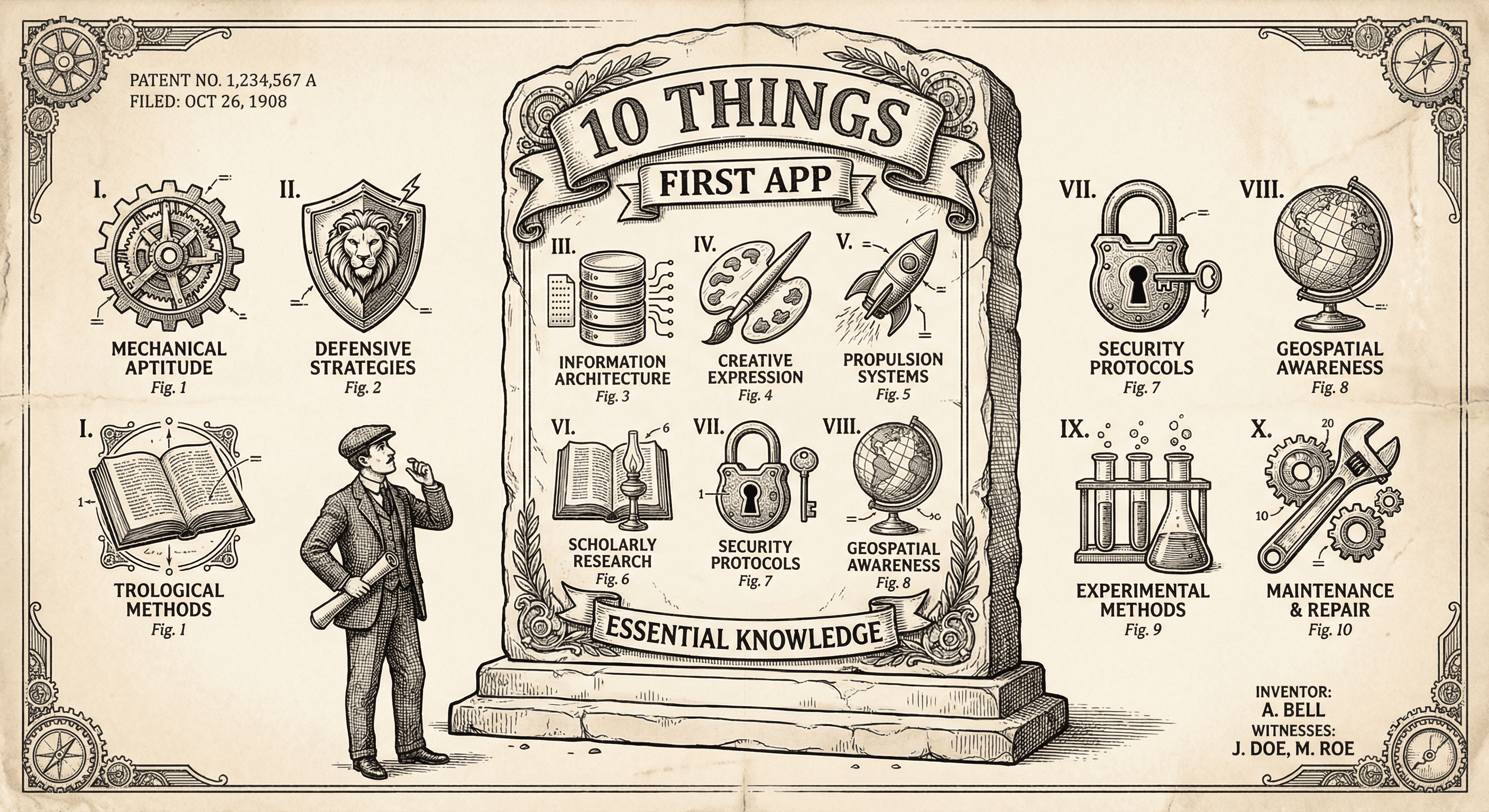
It is not easy, but if you learn these ten simple things before you build, you will be ahead of most first-time builders and avoid the worst pitfalls.
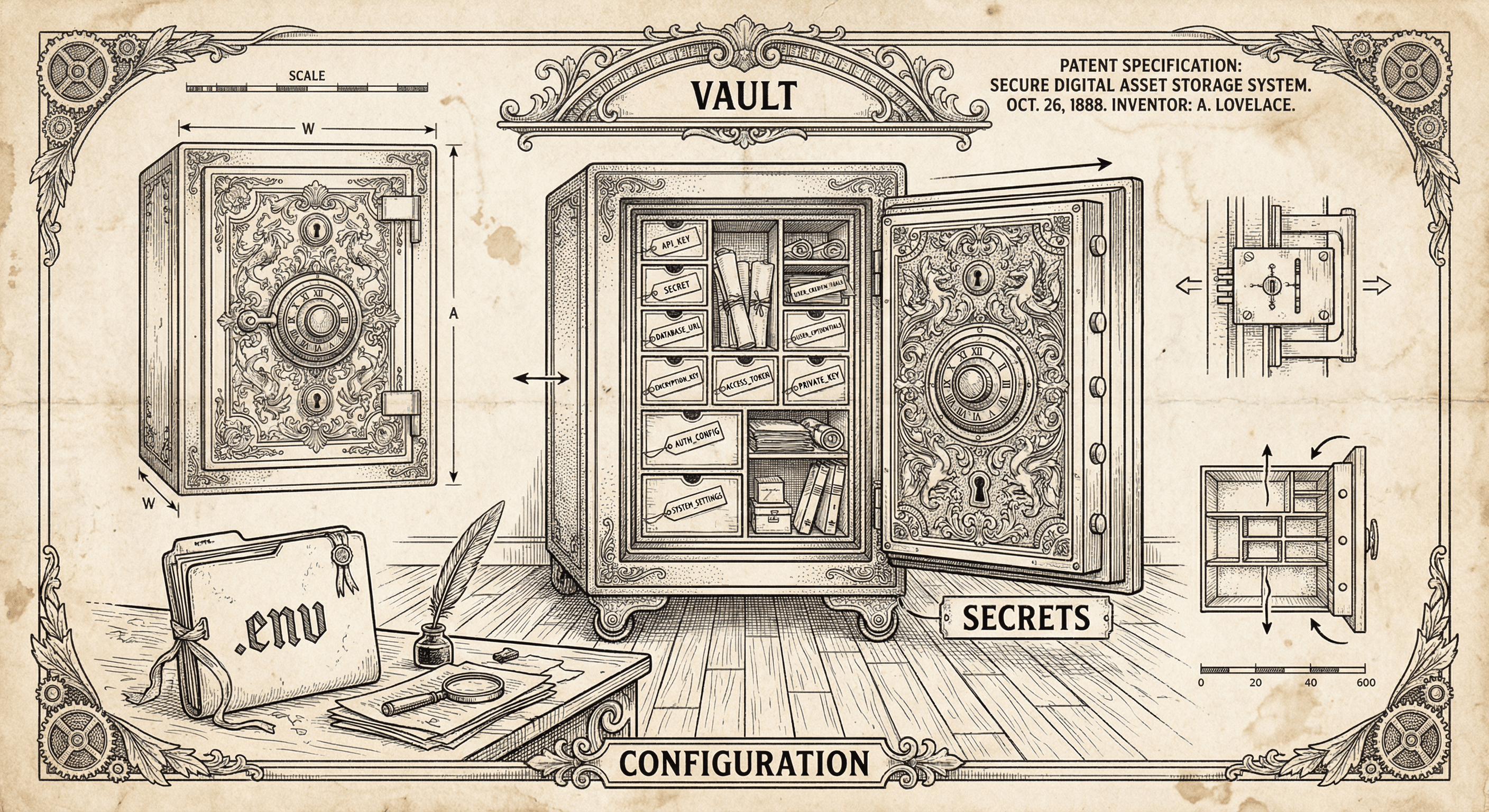
API keys and database URLs do not belong in your code. Environment variables keep them safe and flexible. Here is what they are, how to use them, and why they matter.
