Practical, actionable advice for adding voice to your application the right way — from choosing the right moments to speak, to handling errors gracefully, to respecting your users' preferences.
Voice is one of the most natural ways humans communicate. When you add voice to a product, you are tapping into something deeply intuitive — people have been talking to each other for tens of thousands of years, but they have been using graphical interfaces for only a few decades.
That said, adding voice poorly is worse than not adding it at all. A clunky voice experience frustrates users more than no voice experience, because it sets an expectation of naturalness and then fails to deliver.
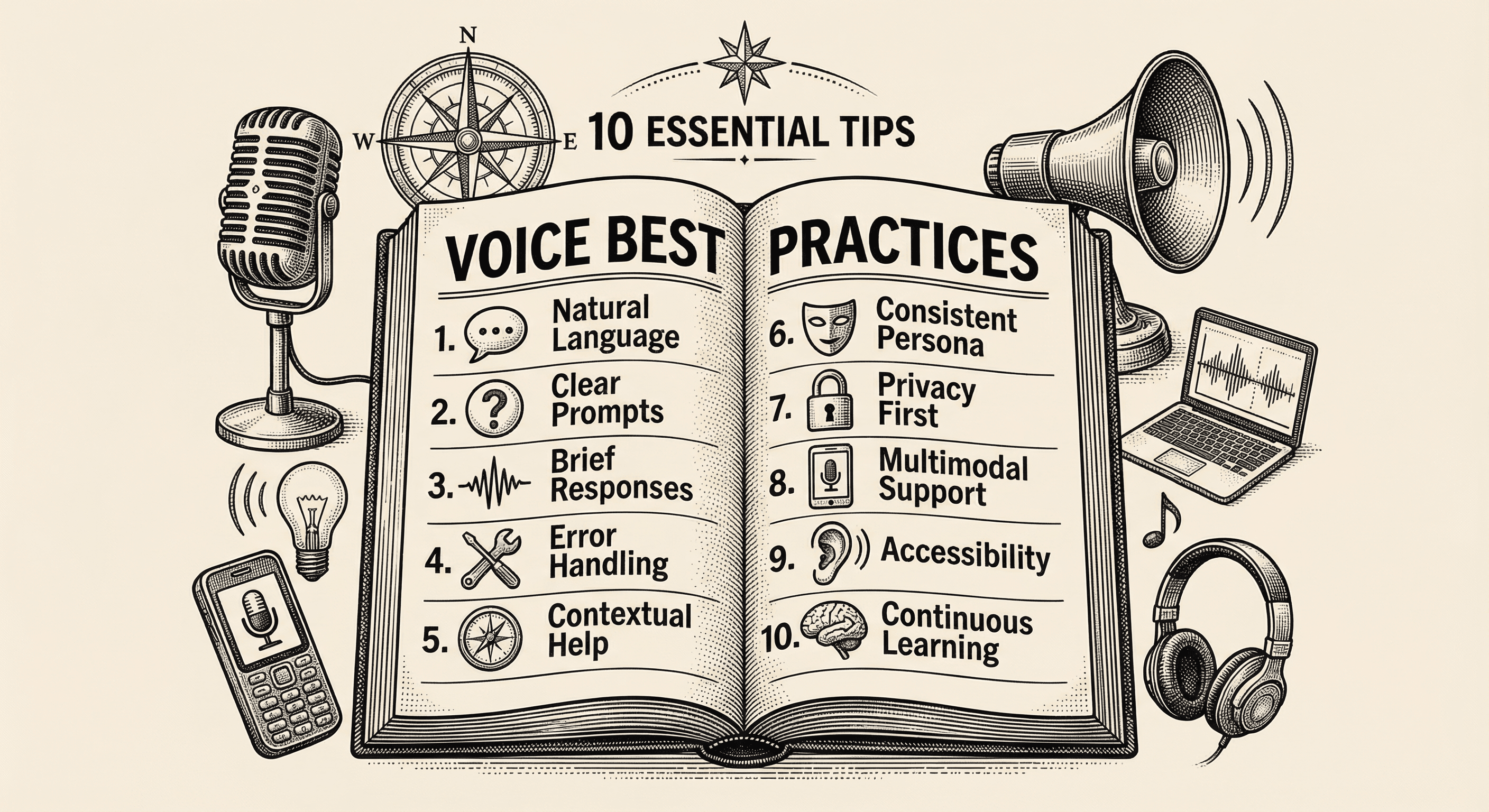
These ten tips help you get voice right. They apply whether you are building a full conversational AI agent, adding text-to-speech narration, or simply exploring where voice might fit in your product.
The most important rule of voice in products: voice should always be opt-in.
Imagine sitting in a quiet coffee shop, opening an application on your laptop, and suddenly hearing a voice blast from your speakers announcing "Welcome back! Let me walk you through your dashboard." Every head turns. You scramble for the mute button. You close the app and never open it again.
Auto-playing audio is the quickest way to lose a user's trust.
Instead, present voice as an option. A clearly labeled button that says "Listen to this article" or "Talk to our assistant" gives users control. They decide when, where, and whether to engage with voice. Some will love it. Others will prefer reading. Both are valid, and your product should respect both.
The practical approach:
Not every interaction benefits from voice. The key is identifying moments where hearing information is genuinely better than reading it.
Voice works well when:
Voice works poorly when:
The best voice implementations are strategic — they enhance specific moments rather than trying to narrate the entire experience.
Your product's voice is a design decision as important as your color palette or typography. It shapes how users perceive your brand every time they hear it.
Think about the difference between a calm, measured voice guiding you through a meditation app versus the same voice on a high-energy fitness platform. The meditation voice feels natural. On the fitness app, it would feel sleepy and out of place.
Considerations when choosing a voice:
Audition several voices with your actual product content — not sample sentences, but real text your users will hear. A voice that sounds great reading a demo sentence might feel wrong reading your specific product copy.
Written content and spoken content follow different rules. When you write text that will be spoken aloud, you need to think about how words sound, not how they look on a page.
Key differences:
| Written Text | Spoken Text |
|---|---|
| "Approximately 73% of users reported satisfaction" | "About three out of four users said they were satisfied" |
| "Navigate to Settings > Account > Security" | "Open your settings, then go to your account section, and look for security" |
| "See Figure 3.2 below" | "Here is what that looks like" |
| "Error code 4012: Authentication timeout" | "It looks like your login session expired. Let me help you sign back in" |
Practical guidelines for writing voice content:
In any voice interaction, things will go wrong. The microphone will not hear the user clearly. The AI will misunderstand a question. The network connection will drop mid-sentence. How your product handles these moments defines the quality of the experience.
The cardinal rule: never go silent. If something goes wrong and the system says nothing, the user has no idea what happened. They do not know if the system is thinking, broken, or ignoring them.
Good error handling patterns:
The goal is to make the system feel patient and helpful, even when it fails. Humans forgive errors when they feel like the system is trying. They do not forgive errors that feel like the system does not care.
If your product speaks, it has a persona — whether you design one intentionally or not. An inconsistent persona feels uncanny and untrustworthy, like talking to someone whose personality keeps shifting.
Elements of a voice persona:
Write a character sheet for your voice persona — just like a screenwriter would for a character in a film. Include their name, personality traits, communication style, knowledge areas, and limitations. Share this document with everyone who creates content for the voice, so it stays consistent as your product grows.
Every piece of information your product delivers through voice should also be available as text. This is not optional — it is an accessibility requirement and a practical necessity.
Why text alternatives matter:
The ideal pattern is multimodal — voice and text working together. When the agent speaks, the key information also appears on screen. When the agent gives instructions, the steps are displayed as a visual checklist. The user gets the warmth and naturalness of voice with the precision and permanence of text.
Think of it like a presentation: the speaker provides the engaging narrative, and the slides provide the reference points. Neither alone is as effective as both together.
People listen differently than they read. A reader can skim, skip ahead, or re-read a paragraph. A listener is trapped in real time — they hear every word in order and cannot fast-forward through a rambling response.
Conversational responses should be:
A practical comparison:
Too long: "There are several ways you could go about resetting your password, and the method you choose depends on whether you have access to your email account, and also whether you have two-factor authentication enabled, which some users do and some do not, so let me walk you through each scenario one by one starting with the most common case."
Right length: "To reset your password, go to the login page and click 'Forgot Password.' You will get an email with a reset link. Would you like me to walk you through it step by step?"
The second response answers the question in three sentences and offers more detail if the user wants it. Respect your users' time.
Voice experiences that work perfectly in your quiet home office may fail completely in the real world. Background noise, accents, speech patterns, unexpected questions, and environmental distractions all affect the experience.
Testing strategies:
The most valuable user testing insight is usually not "this works" or "this does not work" — it is watching where users hesitate, retry, or change their behavior to accommodate the system instead of the system accommodating them.
Adding voice to your product is the beginning, not the end. The best voice experiences improve continuously based on real usage data.
Metrics that matter:
How to use these metrics:
Review conversation transcripts regularly (with appropriate privacy protections). Look for patterns: questions the agent cannot answer, misunderstandings that happen repeatedly, moments where users express frustration. Each pattern is an opportunity to improve the agent's knowledge base, personality prompt, or voice settings.
Set a regular cadence — weekly or biweekly — to review voice metrics and make adjustments. Voice experiences that stay static get worse over time as user expectations evolve and product content changes.
These ten tips share a common theme: respect your users. Respect their choice to use voice or not. Respect their time with concise responses. Respect their environment with mute controls and text alternatives. Respect their intelligence with a consistent, well-designed persona. Respect their feedback by measuring and improving.
Voice is not a gimmick or a checkbox feature. When implemented thoughtfully, it transforms how people experience your product — making it feel more human, more accessible, and more engaging. When implemented carelessly, it becomes an annoyance that users disable and forget.
The difference between the two comes down to intentionality. Every voice interaction in your product should exist because it genuinely makes the experience better for the user, not because voice technology is impressive or trendy.
Start small. Pick one moment in your product where voice would genuinely help. Implement it well. Test it with real users. Iterate based on what you learn. Then expand to the next moment, and the next.
The products that use voice best are not the ones with the most voice features — they are the ones where every voice feature feels like it belongs.
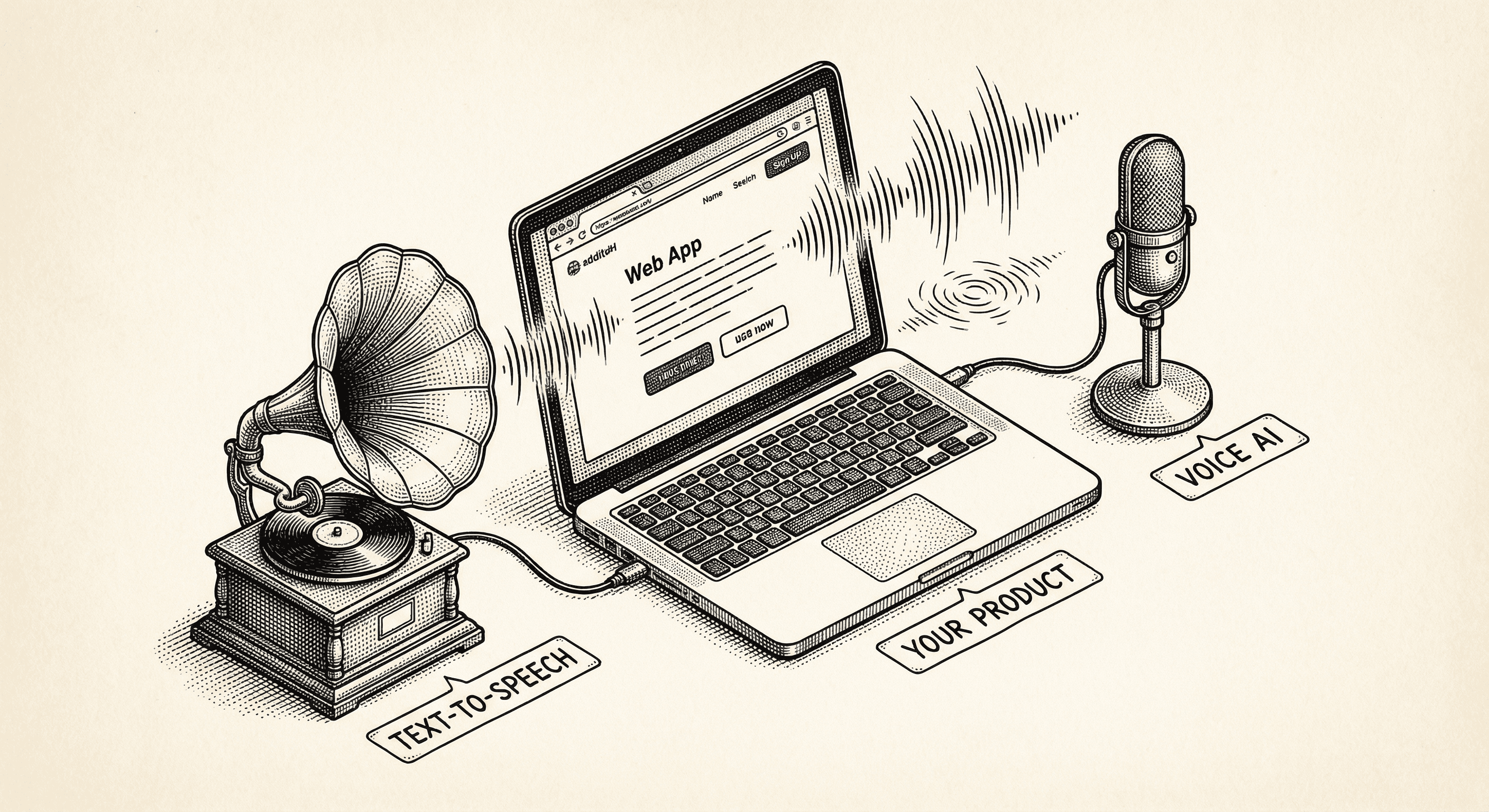
Learn what text-to-speech is, how the ElevenLabs Conversational AI agent works, and how to set up a voice-powered experience in your product — step by step, no prior experience required.
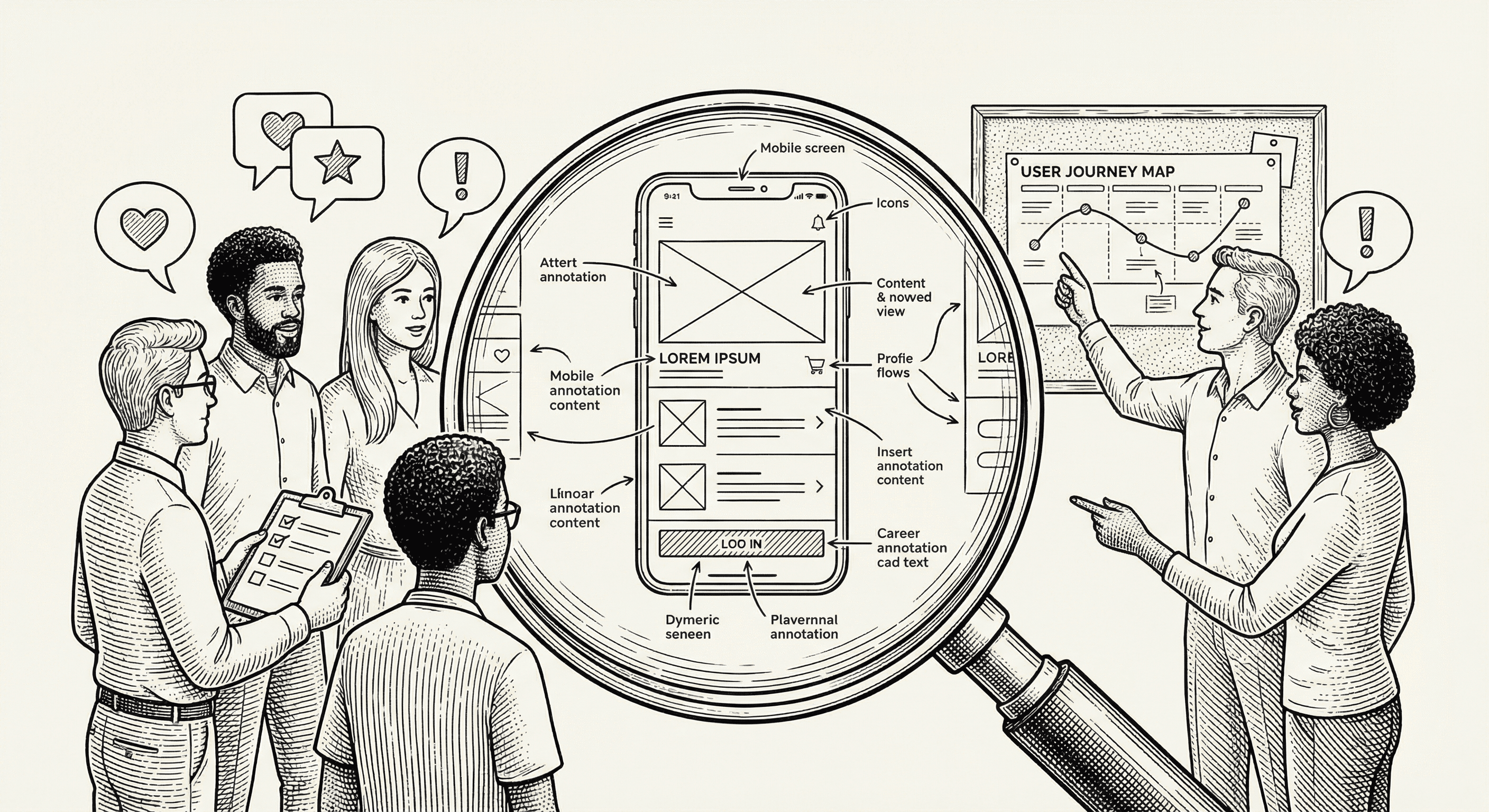
Learn the foundational principles of user experience design — from understanding user needs to creating intuitive interfaces — without needing a design background.
