Running multiple products does not mean paying for multiple databases. Here is the practical cost case for the single-project, multi-schema pattern — what it saves, what it costs, and when to split.
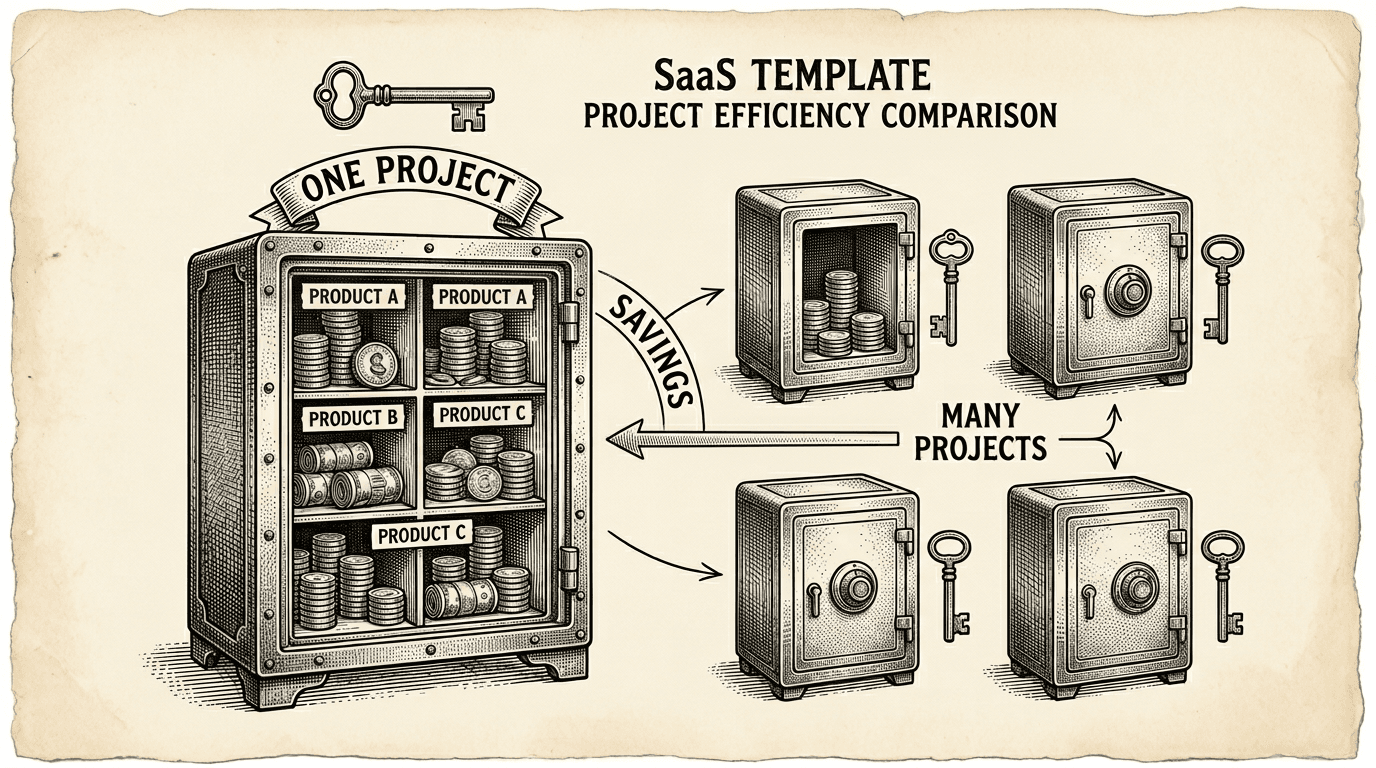
If you are building one product, database costs are straightforward. One Supabase project, one bill.
But most ambitious builders do not stop at one product. A content tool leads to a distribution tool. A project manager leads to a client portal. An internal dashboard becomes a customer-facing analytics product. Before long, you have three or four products — and three or four database bills.
It does not have to work that way.
The obvious way to run multiple products on Supabase is to give each product its own project. Product A gets a Supabase project. Product B gets a Supabase project. Product C gets a Supabase project.
This is clean and simple. Each product has its own database, its own auth, its own API, its own billing. No shared state, no cross-product concerns.
The cost, though, adds up.
Supabase offers two free projects. After that, each project on the Pro plan has a base monthly cost. If you are running five products, that is five Pro subscriptions — even if three of those products have minimal traffic and a handful of users.
Beyond the subscription cost, each project has its own connection pool, its own storage allocation, and its own compute resources. You are paying for infrastructure that is mostly idle for products that are still growing.
For a solo founder or small team testing multiple ideas, this is expensive insurance for products that may not survive their first month.
PostgreSQL has a feature called schemas. A schema is a namespace — a way to organize tables into separate groups within a single database. Think of it as putting each product's tables in its own folder.
Instead of running five Supabase projects, you run one project with five schemas:
one-supabase-project/
├── auth        (shared authentication — built into Supabase)
├── shared      (cross-product data: user profiles, access control)
├── product_a   (Product A's tables)
├── product_b   (Product B's tables)
└── product_c   (Product C's tables)
Each product queries its own schema. Product A never sees Product B's tables. The data is isolated — not by separate projects, but by PostgreSQL's native schema boundaries, enforced by Row Level Security.
One project. One bill. One connection pool. One auth system. Multiple products.
The savings depend on how many products you are running and what Supabase plan you are on. Here is a simplified comparison:
Five separate projects (Pro plan):
One shared project (Pro plan):
The difference in base cost alone is significant. But the hidden savings matter more:
Connection pooling. Each Supabase project has a limited connection pool. If Product A uses 2 connections and Product B uses 3, a shared project serves both from the same pool. Separate projects would each maintain their own pools, most of which sit idle.
Auth management. When products share a Supabase project, they share the auth.users table. A user who signs up for Product A already has an account for Product B. No separate signups, no account linking, no OAuth confusion. This is not just a cost saving — it is a better user experience.
Operational simplicity. One project means one dashboard, one set of API keys, one place to monitor health. The cognitive overhead of managing five dashboards, five sets of credentials, and five separate deployment configurations is real, even if it does not show up on a bill.
Sharing a project is not free of trade-offs. Be aware of these before committing:
Shared resource limits. If Product A has a traffic spike, it affects the shared connection pool that Product B also uses. In practice, this rarely matters at early-to-mid stage, but it is the primary reason to split later.
Schema discipline required. You need clear rules about which tables go in which schema, how to write migrations, and how to handle cross-product data. Without discipline, schemas bleed into each other and the isolation breaks down. The template provides this discipline through rules and health checks — but if you are not using a template with built-in guardrails, you need to enforce it yourself.
Extraction when it is time to split. Eventually, a product may grow enough to justify its own project. When that day comes, you need to extract it — rewrite migrations, export data, update configuration. This is not trivial, but it is a one-time cost that you only pay when a product succeeds enough to need it.
The multi-schema approach is a starting strategy, not a permanent architecture. Here is how to think about when a product graduates to its own project:
Stay shared when:
Split when:
The split does not need to be dramatic. The template includes an extraction tool that generates migration rewrites, data export scripts, and cleanup SQL. You are not locked in — the multi-schema pattern is designed with an exit path.
Setting this up is straightforward:
SET search_path TO your_schema; so they target the right namespace.npm run db:health) to verify isolation, RLS enforcement, and migration consistency.Cross-product data — like user profiles and product access tracking — goes in a shared schema that all products can read. Each product's tables go in its own schema with its own RLS policies.
The important part is that this is opt-in. If you are building a single product, you never think about schemas. The default public schema works exactly as expected. Multi-schema is there when you need it.
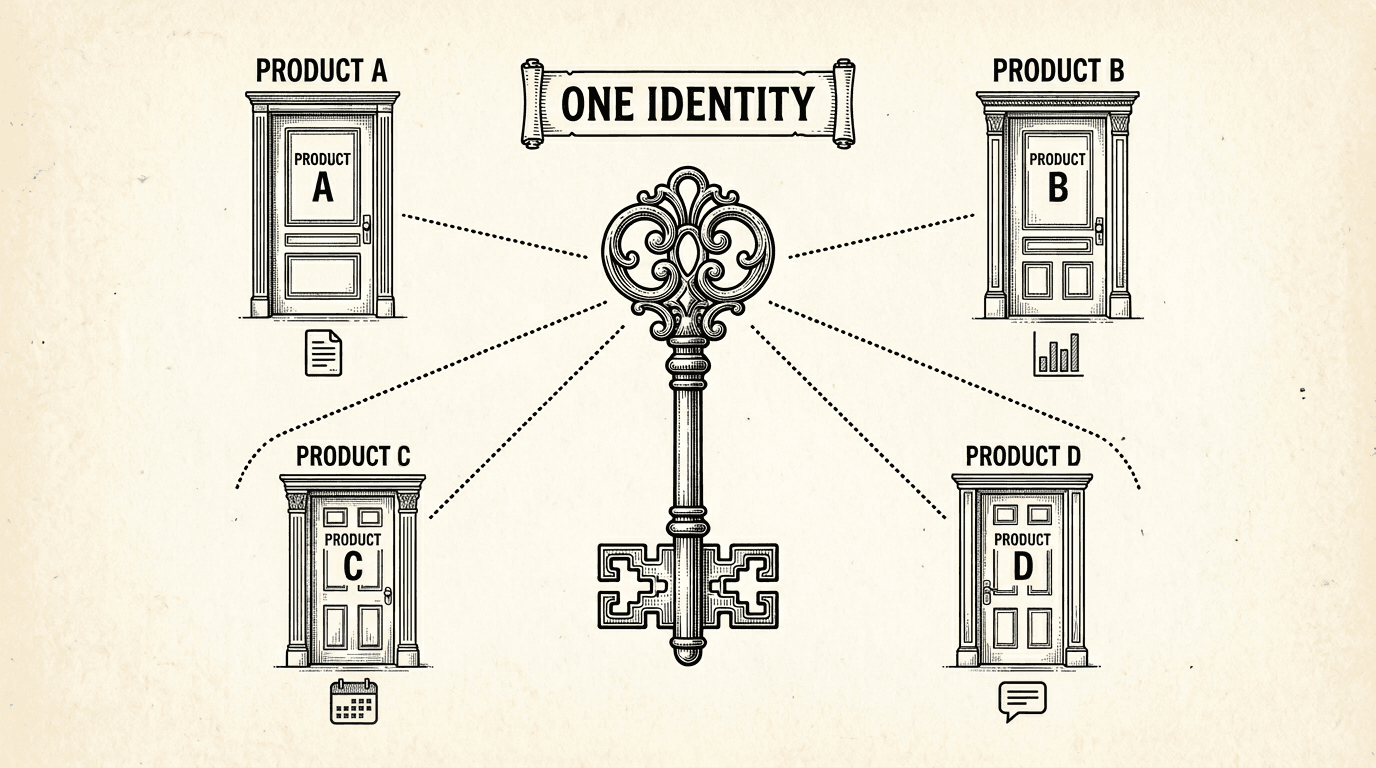
When a user signs up for one product, they have an account for every product in the suite. Here is how shared authentication works under the hood — one login, one identity, every product.
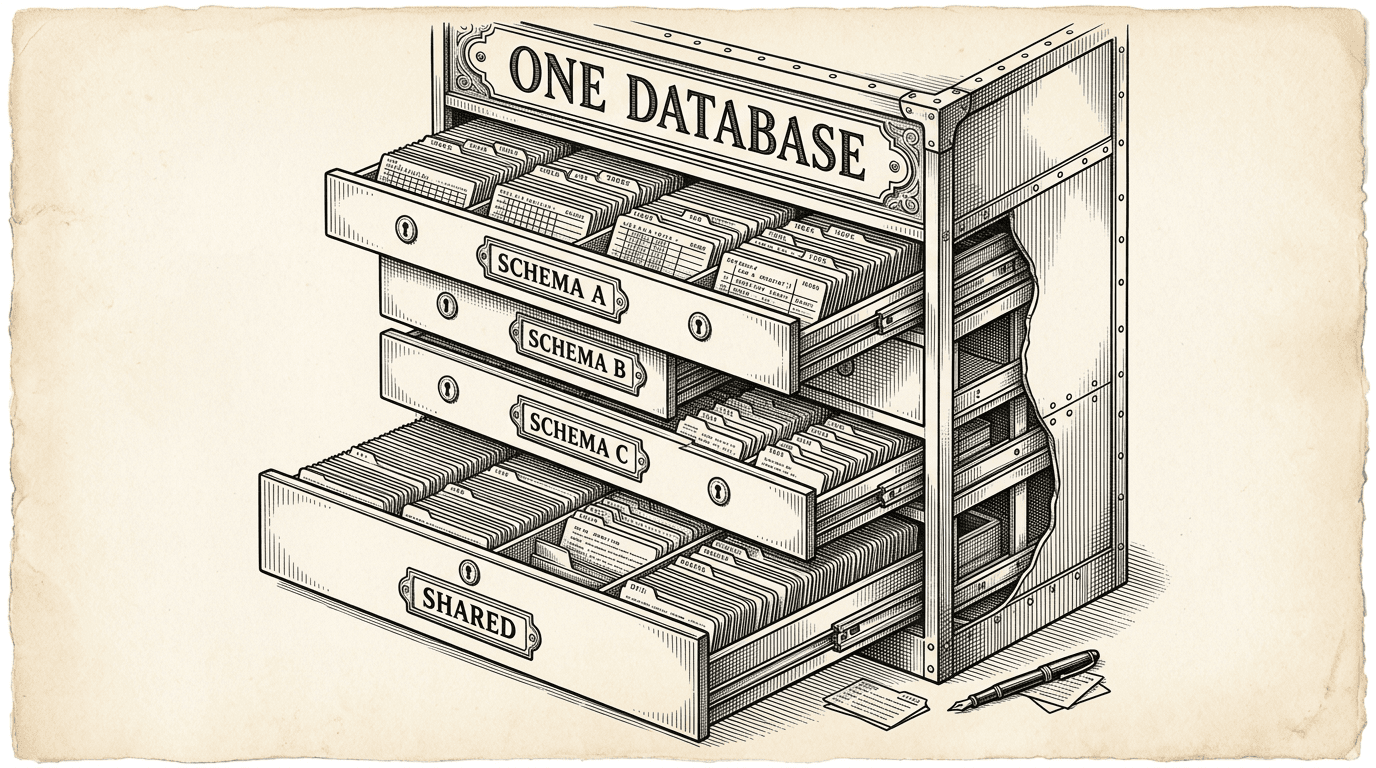
PostgreSQL schemas are the most underused feature for running multiple products. Here is how they work as isolation boundaries, why RLS is non-negotiable, and how shared auth turns a database feature into a product strategy.
