Understand how online payment processing works, what Stripe does for you, and how to think about pricing models — from one-time payments to subscriptions.
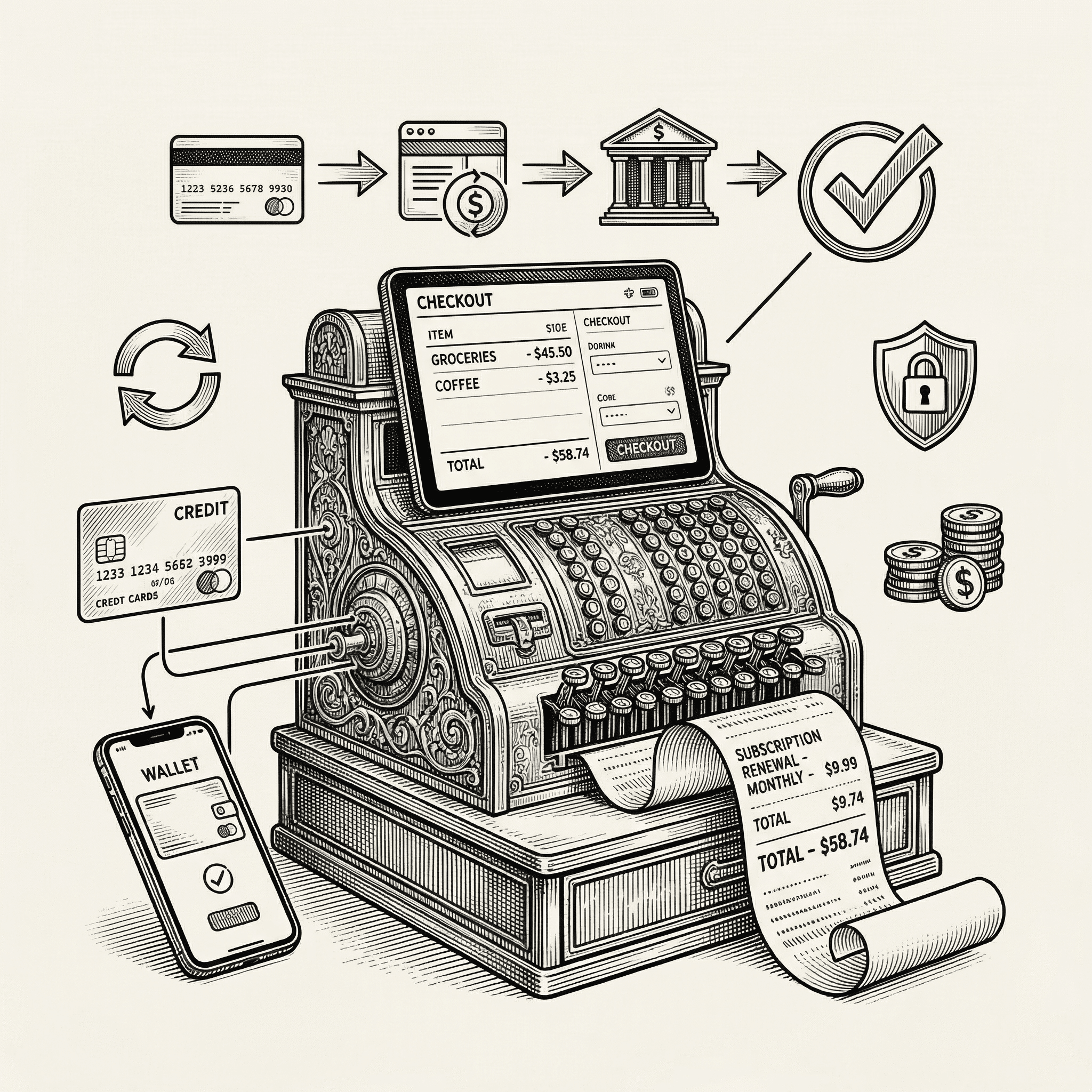
At some point, your product needs to make money. Whether you charge a monthly subscription, a one-time fee, or per-usage pricing, you need a reliable and secure way to accept payments online.
This guide explains how online payment processing works, what Stripe handles for you, and how to think about pricing your product — all in plain, non-technical language.
When a customer enters their credit card number on your website, a complex series of events happens in about two seconds. Here is what actually occurs:
The customer enters payment details. They type their card number, expiration date, and security code into your checkout form.
Your application sends the data to Stripe. Critically, the card details go directly to Stripe's servers — they never touch your server. This is important because it means you never handle or store sensitive card data, which dramatically reduces your security obligations.
Stripe contacts the card network. Stripe sends the payment request to the appropriate card network (Visa, Mastercard, American Express, etc.).
The card network contacts the issuing bank. The bank that issued the customer's card checks whether the card is valid, has sufficient funds, and is not flagged for fraud.
The bank approves or declines. The decision travels back through the card network to Stripe.
Stripe notifies your application. Your application receives a confirmation of whether the payment succeeded or failed and can update the customer's account accordingly.
The funds are settled. The money moves from the customer's bank to your Stripe account, typically within two business days.
The Payment Card Industry Data Security Standard (PCI DSS) is a set of security requirements for anyone who handles credit card data. Full PCI compliance requires extensive security audits, encrypted storage systems, and regular penetration testing.
By using Stripe, you avoid nearly all of this. Because card data goes directly from the customer's browser to Stripe — never touching your server — your PCI obligations are minimal. Stripe handles the complex security requirements on your behalf.
Stripe is more than a payment processor. It is a comprehensive financial infrastructure platform. Here is what it handles:
Stripe provides a pre-built customer portal where your users can:
This saves you from building these features from scratch.
Stripe Radar uses machine learning trained on data from millions of global businesses to detect and block fraudulent transactions automatically. It evaluates hundreds of signals — IP address, card fingerprint, behavioral patterns — to distinguish legitimate customers from bad actors.
Stripe Tax can automatically calculate and collect the correct sales tax, VAT, or GST based on your customer's location. Tax compliance across different jurisdictions is extraordinarily complex — Stripe handles it for you.
Choosing the right pricing model is a business decision, not a technical one. Here are the most common approaches:
Charge once for lifetime access.
Best for: Digital products (ebooks, courses, templates), tools with a fixed scope, premium features or add-ons.
Advantages: Simple to understand, no ongoing billing management, attracts price-sensitive customers.
Disadvantages: No recurring revenue, must constantly acquire new customers, harder to fund ongoing development.
Charge a regular fee (usually monthly or yearly) for continued access.
Best for: SaaS products, services that provide ongoing value, products that require ongoing maintenance and updates.
Advantages: Predictable recurring revenue, ongoing customer relationship, ability to fund continuous improvement.
Disadvantages: Higher barrier to initial signup, requires demonstrating continuous value, churn management.
Offer a free tier with limited features and a paid tier with full access.
Best for: Products where the free tier demonstrates value, products with network effects, products targeting a large market.
Advantages: Low barrier to entry, large user base for word-of-mouth growth, natural upgrade path.
Disadvantages: Most users never pay (typically 2 to 5 percent convert), free users still cost money to serve, feature boundaries can be hard to draw.
Charge based on how much the customer uses (API calls, storage, messages sent).
Best for: Infrastructure products, APIs, products where usage scales with the customer's success.
Advantages: Low barrier to entry, revenue scales with customer value, fair pricing perception.
Disadvantages: Unpredictable revenue, billing complexity, customers may limit usage to control costs.
Begin with one or two pricing tiers. You can always add complexity later, but it is very hard to simplify later without upsetting existing customers.
A common starting point:
Your price should reflect the value your product provides, not what it costs you to run. If your tool saves a freelancer ten hours per month and their time is worth $75/hour, saving them $750/month means a $29/month subscription is a no-brainer.
Offering a discount for annual subscriptions (typically 15 to 20 percent off the monthly price) benefits both you and your customers:
Be transparent about pricing. Hidden fees, complicated pricing calculators, and "contact us for pricing" pages frustrate potential customers. Show your prices, show what is included, and make it easy to compare options.
When events happen in Stripe — a payment succeeds, a subscription renews, a customer disputes a charge — Stripe sends a webhook to your application. A webhook is an automatic notification that tells your server what happened.
Your application listens for these webhooks and responds accordingly:
This template includes webhook handling infrastructure. When you set up Stripe, you will configure a webhook endpoint that processes these events.
The basic setup process:
STRIPE_PUBLISHABLE_KEY and STRIPE_SECRET_KEYStripe's test mode lets you simulate the entire payment flow without moving real money. Use card number 4242 4242 4242 4242 with any future expiration date and any three-digit CVC to simulate a successful payment.
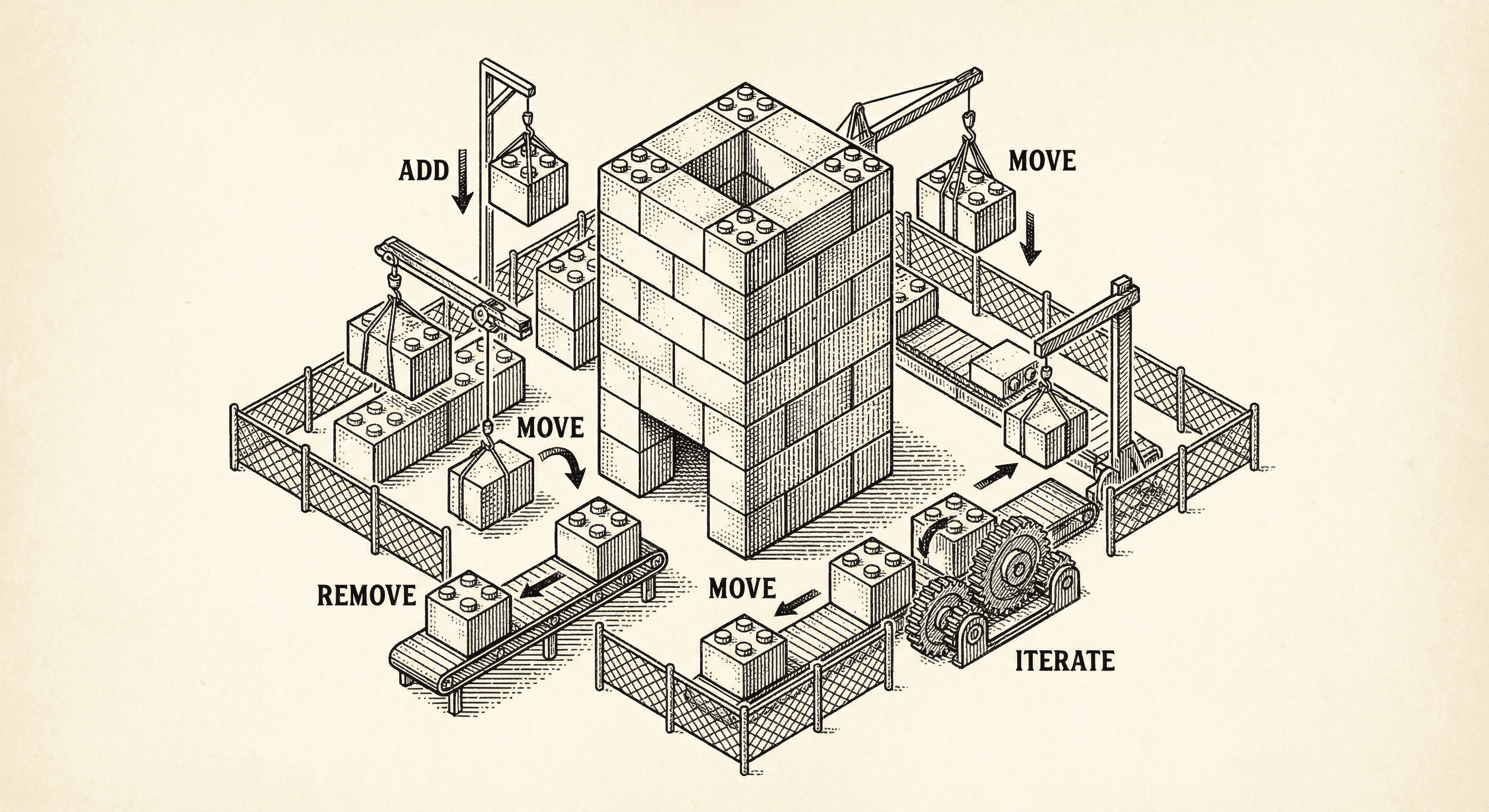
Most templates assume you have a plan. Ship Something™ is built for how you actually work — one feature at a time, changing direction, figuring it out as you go. Here is how five architectural layers keep your codebase healthy while you build piecemeal.

You are holding a finished, working application. This is not a tutorial or a course. It is a real product, already built, waiting for you to make it yours. Here is what that means and what happens next.
