You are holding a finished, working application. This is not a tutorial or a course. It is a real product, already built, waiting for you to make it yours. Here is what that means and what happens next.
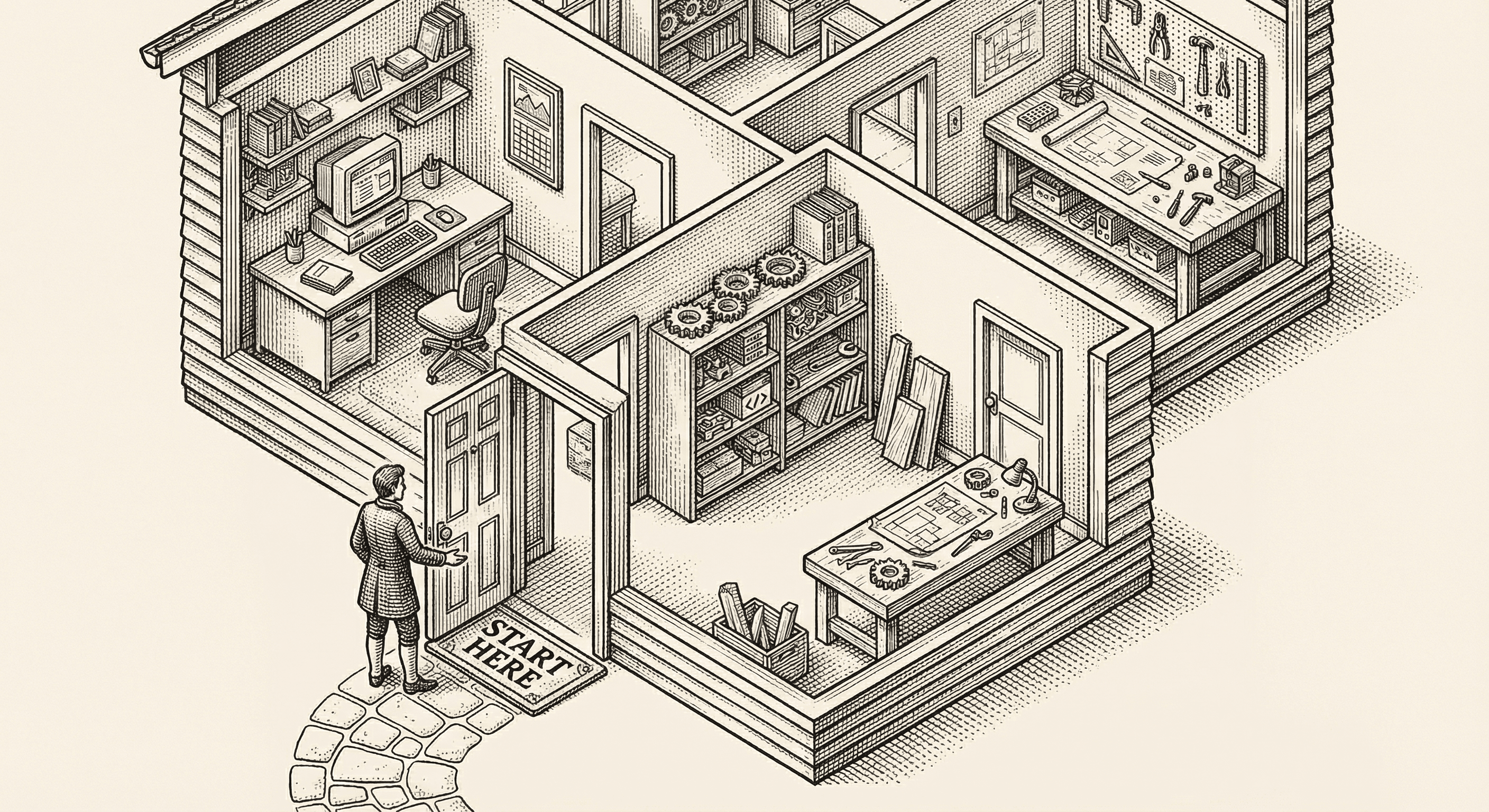
Take a breath. You are in the right place.
If you are reading this, you probably just got access to this template, and you might be feeling a little overwhelmed. Maybe you opened the project folder and saw hundreds of files. Maybe you are not sure what a "template" even means in this context. Maybe you are wondering if you are technical enough for this.
Here is the honest truth: you do not need to understand everything right now. You do not need to understand most of it. What you need is a clear picture of what you have, what is going to happen when you set it up, and where to go from there.
That is what this page is for.
Think about buying a house versus building one from the ground up.
If you build from scratch, you hire an architect, pour a foundation, frame the walls, run the plumbing, wire the electricity, install the roof, and — months or years later — you have a house. Every decision, every pipe, every wire is your responsibility from day one.
This template is the house, already built. The foundation is poured. The walls are up. The plumbing works. The electrical is wired. The kitchen has appliances. There is even furniture inside.
Your job is not to build the house. Your job is to move in and make it yours. Paint the walls the color you want. Hang your pictures. Rearrange the furniture. Put your name on the mailbox.
That is what a template is — a finished, working application that you copy and shape into your own product.
The getting-started page in the documentation walks you through the actual steps. But before you go there, let me explain what those steps actually do in plain English, so nothing feels mysterious.
The first thing you do is bring the project from the internet to your own computer. This is called "cloning" — and it is exactly what it sounds like. You are making a personal copy.
After this step, you have a folder on your computer with everything inside it. All the code, all the pages, all the images, all the configuration. It is yours now. The original stays untouched on the internet. Your copy is independent — you can change anything without affecting anyone else.
Your project uses tools that other people have built — things like the design system that makes buttons look polished, the framework that handles page navigation, the library that processes payments. These tools are not included directly in your project folder because they are large and shared across millions of projects worldwide.
So the next step downloads them. You run a single command, and your computer goes out to the internet, grabs every tool your project needs, and puts them in a special folder. This takes a minute or two.
After this step, your project has everything it needs to run. Every tool, every library, every building material — all downloaded and ready.
Your application needs to know a few things that are specific to you — things like your database address, your payment service keys, and which features you want turned on. These details are stored in a private settings file that lives only on your computer.
The project comes with an example version of this file, with blank spaces where your information goes. You make a copy of it and fill in your details. Think of it like filling out the registration card when you check into a hotel — the hotel already exists, but it needs to know who you are.
You do not need to fill in everything right away. The application works with just the basics, and you can add more as you go.
Now the exciting part. You run one command, and your application comes to life — right on your computer. You open your web browser, type in a special address, and there it is: your application, running, live, interactive.
Nobody else can see it. It is running privately on your machine. This is your personal sandbox. You can click around, explore every page, and see exactly what your users will see.
And here is the best part: from this moment on, when you change something in your project files, the browser updates automatically. Change a headline, save the file, and the new headline appears in your browser within a second. This instant feedback is what makes building feel less like engineering and more like sculpting.
When your application starts, you will see a real, working product. It is not a blank canvas. It is not a skeleton. It is a complete application with:
It might not do exactly what your product needs to do yet — that is the part you will shape. But everything around your product idea is already handled. The login system, the payment processing, the security protections, the responsive design — all of it is done.
You do not need to learn everything at once. In fact, trying to learn everything at once is the worst way to start. Instead, follow this path:
First, just explore. Click around the running application. Visit every page. Toggle dark mode. Resize your browser window to see how it adapts to mobile. Get familiar with what is already there.
Second, change something small. Open the project in your code editor, find a headline or a paragraph, change the text, and watch it update in your browser. This first small change is important — it proves to you that this is real, that you can make it yours, and that it is not as scary as it looks.
Third, read the guides in this blog. They are written for people who are not developers. Each one explains a concept in plain English with real-world analogies. Start with whatever interests you most — there is no required reading order.
Fourth, follow the getting-started documentation when you are ready to connect real services like your database and payment system. The documentation walks through each step with the exact details you need.
It is completely normal to feel like you do not know what you are doing. Every single person who has ever built a product felt that way at the beginning. The people who built the tools in your tech stack felt that way when they were learning. The people who built the websites you use every day felt that way.
The difference between people who build things and people who do not is not talent or technical knowledge. It is willingness to feel lost and keep going anyway.
You have a working application. You have guides that explain every concept. You have a community of people who have been exactly where you are. The hard part — setting up the foundation, wiring the infrastructure, making the security decisions — has already been done for you.
All you have to do is start.
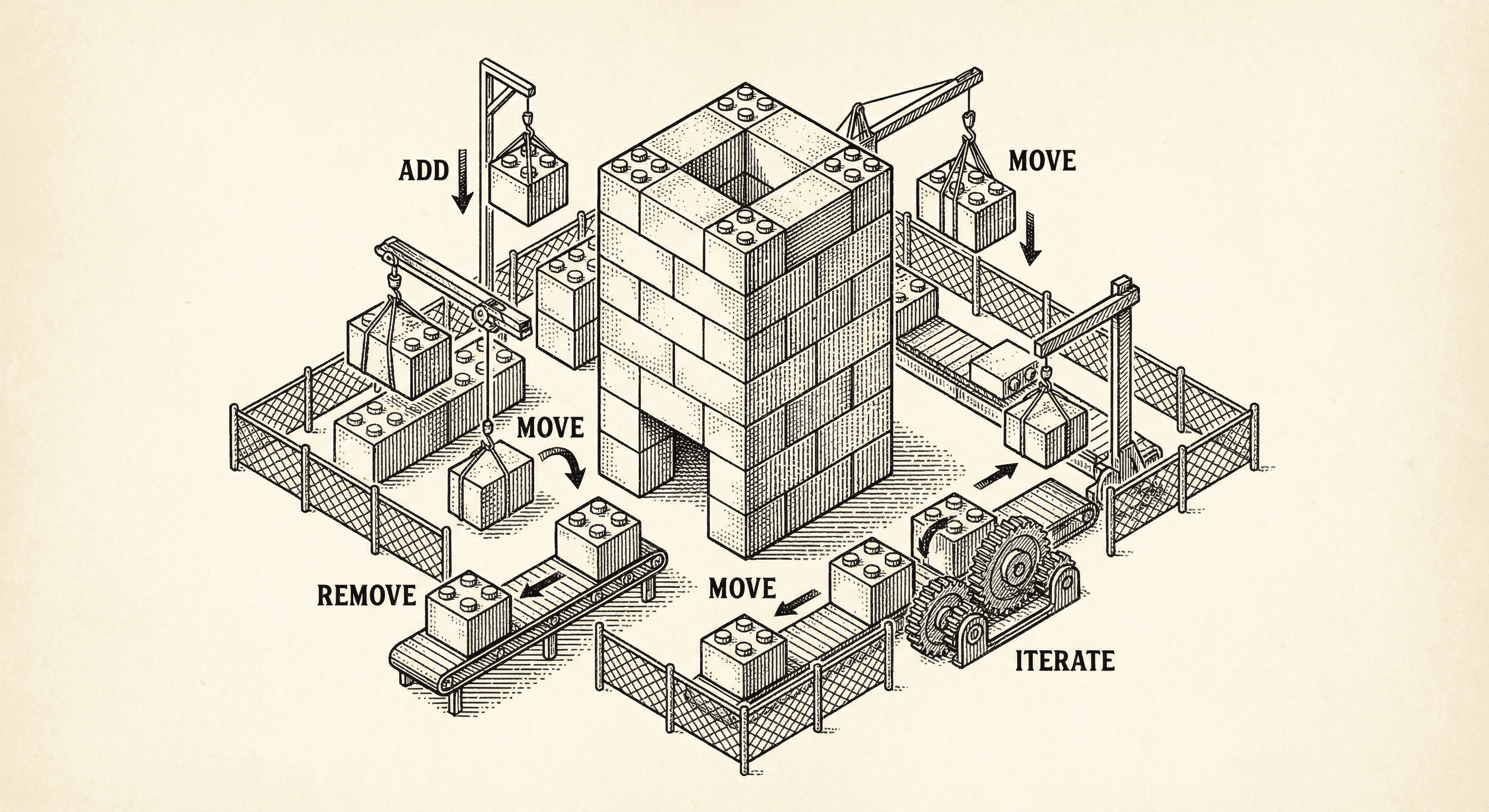
Most templates assume you have a plan. Ship Something™ is built for how you actually work — one feature at a time, changing direction, figuring it out as you go. Here is how five architectural layers keep your codebase healthy while you build piecemeal.
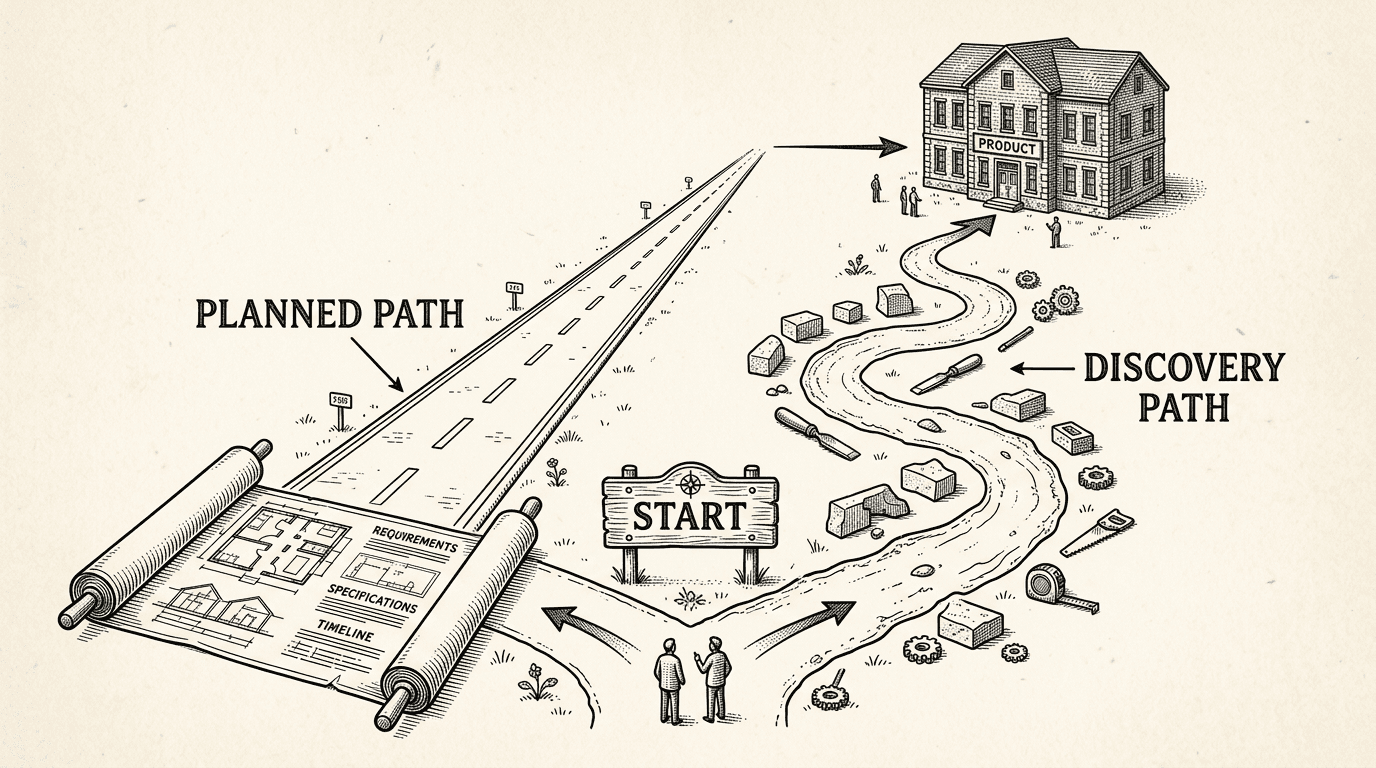
Some builders start with a plan. Others start with an idea and figure it out as they go. Both approaches work. Here is how Ship Something™ and PRD Maker support each one — and why the best path might be a combination of both.
