I used my own template to start my next product and it took forever to download. Turns out I had been shipping 46 orphaned images to every buyer. Here is what happened, why it was not caught, and the one check that would have prevented it.
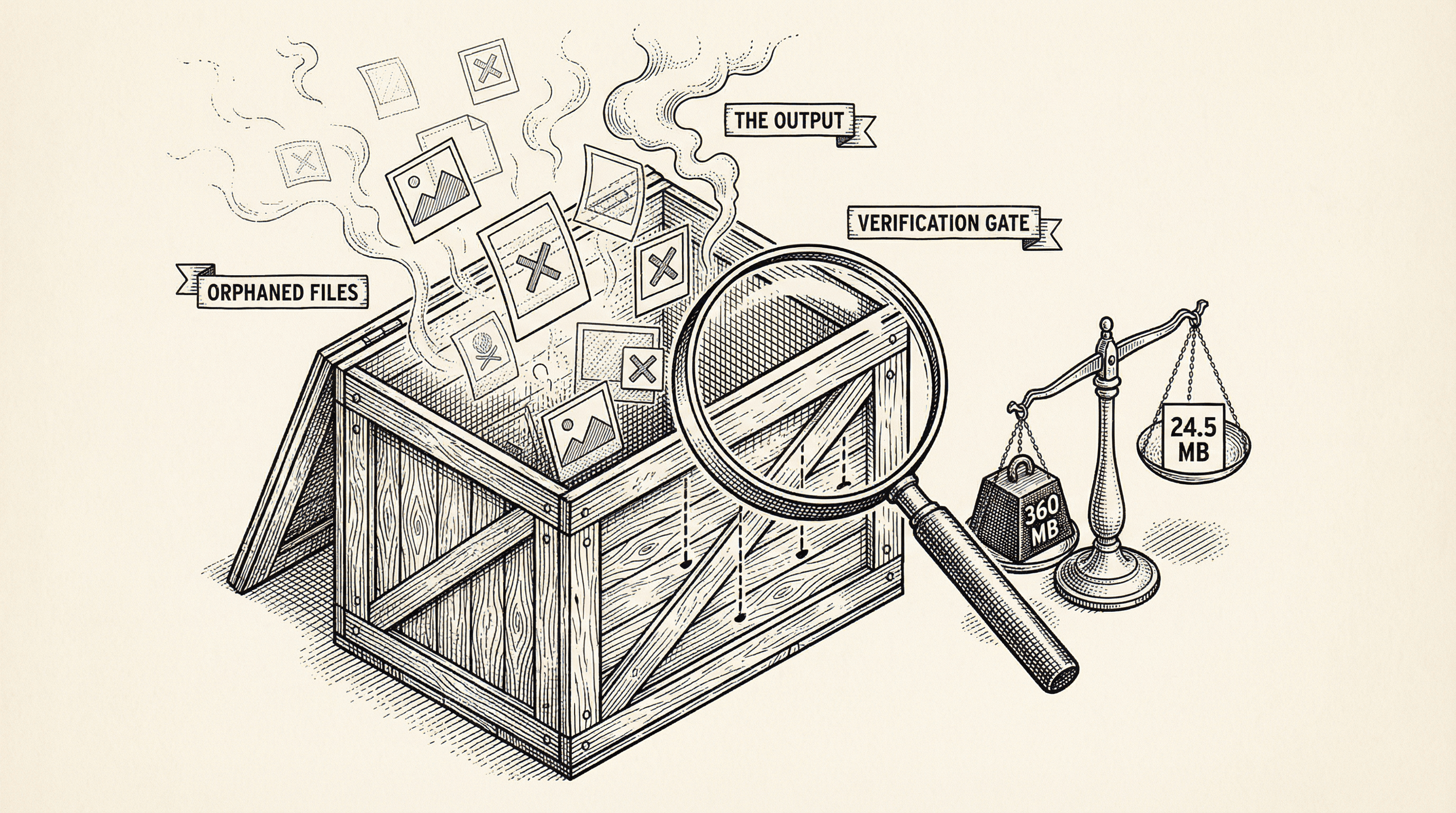
I was about to start building my next product. The plan was simple — clone my own template, open a new Cursor window, and start building. I had done this flow a hundred times in my head. It was supposed to take thirty seconds.
Instead, I watched a terminal cursor blink for two minutes. Then five. Then I killed the process.
Something was very wrong.
I checked the template repository size through the GitHub API. 366 MB.
For context, most SaaS templates are between 1 and 10 MB. Even the feature-heavy ones rarely break 50 MB. Mine was 366 MB.
So I pulled the full file tree and sorted by size. The answer was immediate:
| What | Size |
|---|---|
| Blog images | 338 MB |
| Other public images | 18 MB |
| Actual code and config | 3.7 MB |
The code was 3.7 MB. That is perfectly normal for a full-featured template with auth, payments, admin, blog, testing, and security. The problem was 338 MB of images — 46 PNG files, each between 6 and 8 MB — sitting in the template doing absolutely nothing.
My template is built from a publish script. It takes the full product codebase (the marketing site, the blog, everything), strips out the marketing-specific files, replaces branding, and pushes a clean version to a separate repository. Buyers clone from that clean repository.
The script was correctly removing the marketing blog posts — the 42 articles with marketing: true in their frontmatter. When I checked the template, those .mdx files were gone. Working as intended.
But every blog post has a hero image in public/images/blog/. The script removed the posts. It did not remove the images.
So for every marketing article that was stripped, the hero image stayed behind. Forty-six PNG files. No code referenced them. No page displayed them. They just sat there, inflating every clone by 338 MB.
This is the part that is actually worth talking about.
The publish script had been reviewed multiple times. The code was clean. The logic made sense. Each step did what it was supposed to do: remove these files, replace that branding, patch those imports. When you read the script, it looked correct.
But nobody ran the script and then inspected what came out the other side.
That is a different kind of checking. Reviewing the code asks "does this logic look right?" Verifying the output asks "did we actually produce what we intended?" These are not the same question, and in this case, the answer was different.
This is not unique to small projects or solo builders. It happens at companies with hundreds of engineers. It happens in CI pipelines that have been running for years. The pattern is always the same: everyone verifies the pieces, nobody verifies the assembled result.
The immediate fix was straightforward. After removing marketing blog posts, the script now scans the remaining post slugs and removes any image in public/images/blog/ that does not match a remaining post. I also found a few other things that had leaked through: internal audit documents, unused images from a homepage design that was never shipped, an API route that imported a deleted module and would have crashed if anyone called it, and build artifacts like test reports.
The template went from 360 MB to 24.5 MB. A 93% reduction. Cloning went from "hanging indefinitely" to eleven seconds.
But the real fix was something else. I added a verification gate — a set of automated checks that run inside the publish script, right before it pushes to GitHub. If any check fails, the publish aborts.
The checks are:
On the first run of the verification gate, it caught three additional branding leaks that had never been flagged: a product-specific "About Us" page, a hardcoded fallback name in a footer component, and a code comment referencing the product by name.
Those would have shipped to the next buyer. The gate stopped them.
The lesson is not "always check your images." That is too specific to be useful.
The lesson is: if you have a pipeline that produces an artifact — a build, a package, a template, a deploy — verify the artifact, not just the pipeline.
You can review every line of a build script and still ship something wrong. The script might be correct but incomplete. It might handle the cases that existed when it was written but miss the ones that were added later. Code review catches logic errors. Output verification catches everything else.
The 50 MB ceiling check alone — a single line that measures the total output size — would have caught a 360 MB template the moment it was published. Not because it understood the logic or knew about blog images. Just because 360 is greater than 50.
Sometimes the simplest checks are the most valuable ones.
The reason I was cloning the template in the first place is that I am starting a new product. I will write about that soon. But before I could start building, I had to fix this — because if I hit the problem, my buyers would too.
That is the thing about using your own product. You find what nobody else would tell you.
Deploy failed? Build error? Missing env var? This guide explains common deployment errors in plain English and gives you clear steps to fix them so you can get back to shipping.
Error messages can look like gibberish. This guide teaches you how to read them, where to look, and what to do next — so you can fix issues instead of feeling stuck.
