A non-technical introduction to databases, data models, and why thinking carefully about your data is one of the most important decisions you will make.
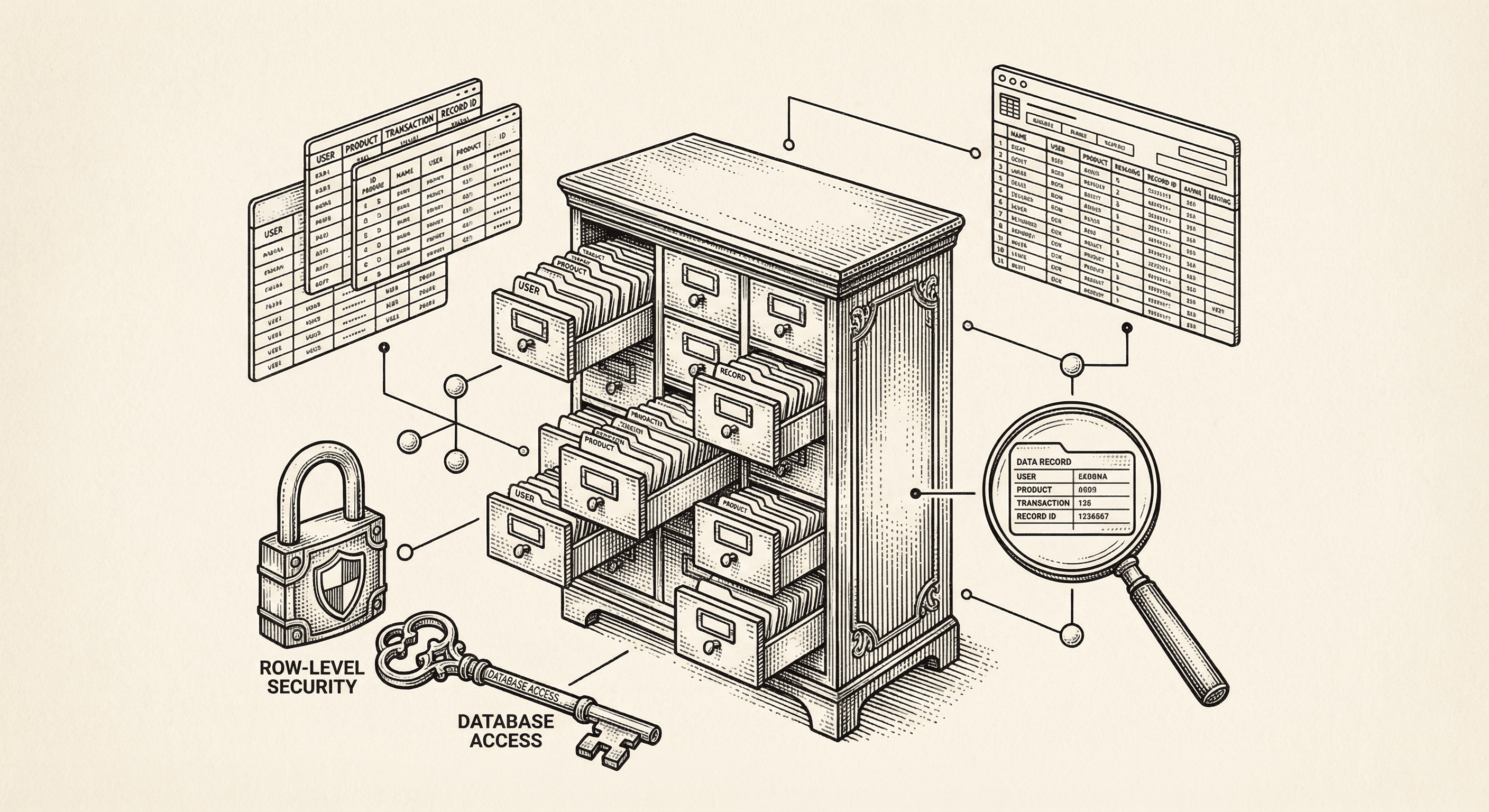
Every web application needs to remember things. When a user creates an account, that information needs to be stored somewhere. When they save a document, update their profile, or make a purchase, those changes need to persist. Close the browser, come back tomorrow, and everything should still be there.
That "somewhere" is a database. And how you think about your data is one of the most impactful decisions you will make as a product builder.
A database is an organized collection of data that your application can read from and write to. Think of it as a very powerful, very organized collection of spreadsheets — but designed to handle millions of rows, multiple simultaneous users, and complex relationships between data.
Your application's database stores everything: user accounts, content, settings, transaction records, activity logs, and more. It is the long-term memory of your product.
There are many types of databases, but the two you are most likely to encounter are:
Relational databases store data in tables — structured grids of rows and columns, much like a spreadsheet. Each table represents a type of data (users, projects, invoices), and tables can be linked to each other through relationships.
This template uses PostgreSQL (via Supabase), which is a relational database. It is one of the most mature, reliable, and powerful databases in existence — used by companies like Apple, Instagram, Spotify, and the United States Federal Aviation Administration.
Example of what a users table might look like:
| id | name | plan | created_at | |
|---|---|---|---|---|
| 1 | maya@example.com | Maya Chen | pro | 2026-01-15 |
| 2 | james@example.com | James Wilson | free | 2026-01-16 |
| 3 | sofia@example.com | Sofia Rodriguez | pro | 2026-01-17 |
Each row is a record (one user). Each column is a field (a piece of information about that user). The id column uniquely identifies each record.
Document databases store data as flexible, JSON-like "documents" rather than rigid tables. They are more flexible about structure — each document can have different fields.
You do not need to worry about document databases for now. Your template uses PostgreSQL, which is the right choice for most applications.
A data model is the blueprint for how your data is organized. It defines what types of data you store, what information each type includes, and how different types relate to each other.
Designing a good data model is like designing the floor plan for a building. You need to think about what rooms you need, how big they should be, and how people will move between them — before you start construction.
An entity is a type of thing your application needs to track. For a project management tool, entities might include:
For an online store, entities might be:
Start by listing every type of thing your product needs to remember. These become your database tables.
For each entity, determine what information you need to store. Be thoughtful — store what you need, not everything you can imagine. You can always add fields later.
For a Task entity, you might need:
| Field | Type | Purpose |
|---|---|---|
| id | Unique ID | Identifies this specific task |
| title | Text | What the task is called |
| description | Long text | Detailed description of the task |
| status | Choice | "todo," "in_progress," "done" |
| priority | Choice | "low," "medium," "high" |
| due_date | Date | When the task should be completed |
| created_at | Timestamp | When the task was created |
| updated_at | Timestamp | When the task was last modified |
Entities do not exist in isolation — they are connected. Understanding these connections is crucial:
One-to-many: One user can have many projects. One project can have many tasks. This is the most common relationship. It is implemented by storing the parent's ID in the child record (each task stores the project_id it belongs to).
Many-to-many: A task can have multiple labels, and a label can be applied to multiple tasks. This requires a "junction table" that connects the two (a task_labels table with task_id and label_id columns).
One-to-one: Each user has one profile. Each profile belongs to one user. Less common, but useful for splitting a large entity into related pieces.
One of the biggest advantages of relational databases is their ability to enforce rules about your data:
Some fields should never be empty. A user must have an email address. A task must have a title. Marking fields as "required" (NOT NULL in database terms) prevents incomplete records.
Some values should never be duplicated. Two users should not have the same email address. Two products should not have the same SKU. Unique constraints enforce this at the database level.
When one table references another (a task references a project), foreign keys ensure that the referenced record actually exists. You cannot assign a task to a project that does not exist.
Some fields should have a sensible default. A new task's status might default to "todo." A new user's plan might default to "free." Defaults reduce the amount of information that needs to be provided when creating a record.
Supabase provides a visual interface for your PostgreSQL database. You can:
For many operations, you will not need to write any SQL. Supabase's dashboard and client libraries provide intuitive ways to interact with your data.
One of the most critical aspects of data management is controlling access. Not every user should be able to see or modify every piece of data.
Row-level security (RLS) is a powerful feature of Supabase and PostgreSQL. It lets you define rules like:
These rules are enforced at the database level, meaning they cannot be bypassed — even if there is a bug in your application code.
Instead of permanently removing a record when a user deletes something, add a deleted_at timestamp field. If it has a value, treat the record as deleted. This lets you:
Always include created_at and updated_at fields on every table. They cost almost nothing to store and are invaluable for debugging, auditing, and building features like "sort by newest."
This template uses UUIDs (Universally Unique Identifiers) for record IDs instead of sequential numbers (1, 2, 3...). UUIDs look like 550e8400-e29b-41d4-a716-446655440000. They are impossible to guess, which adds a layer of security — a user cannot enumerate records by incrementing an ID.
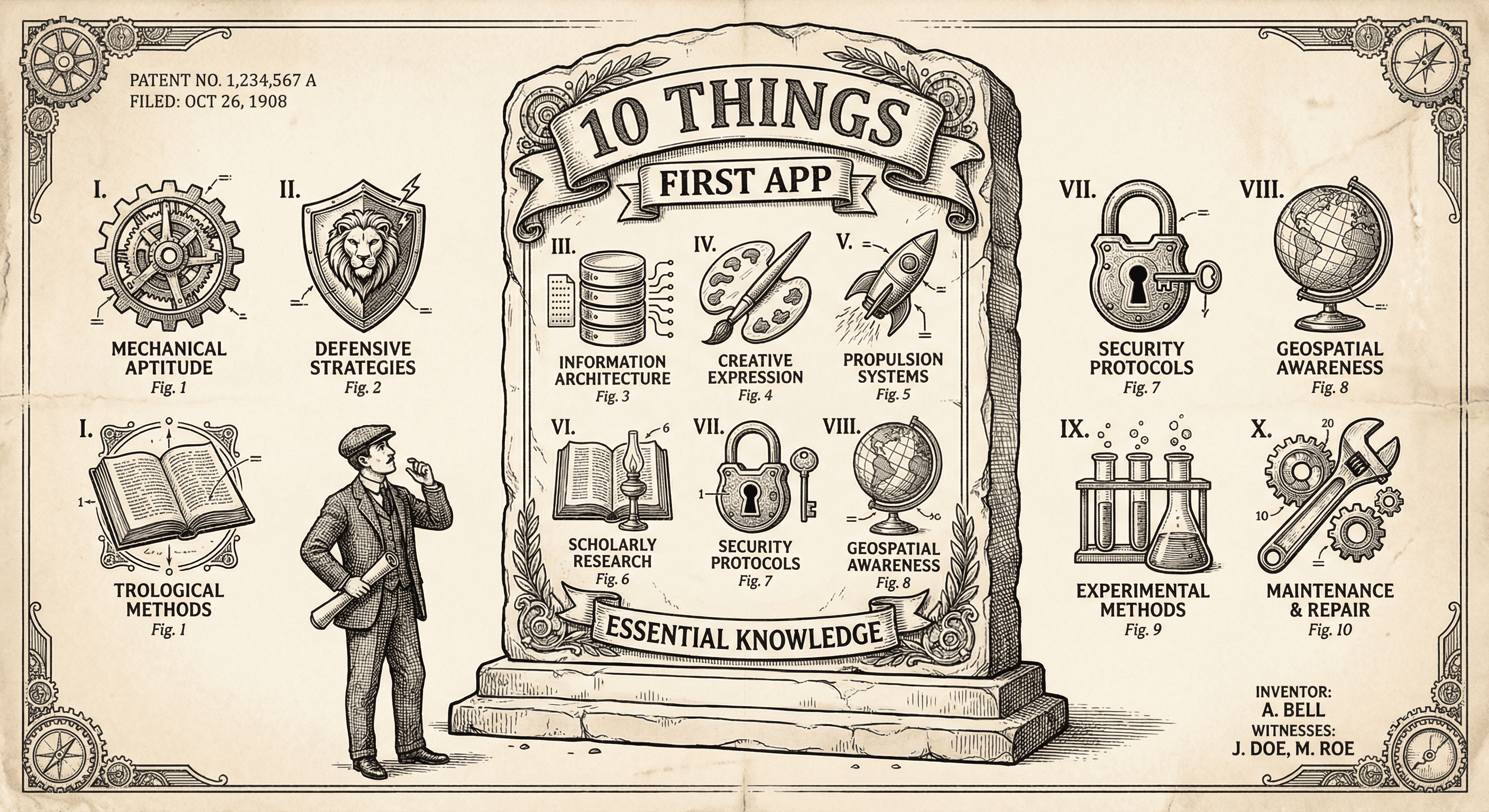
It is not easy, but if you learn these ten simple things before you build, you will be ahead of most first-time builders and avoid the worst pitfalls.
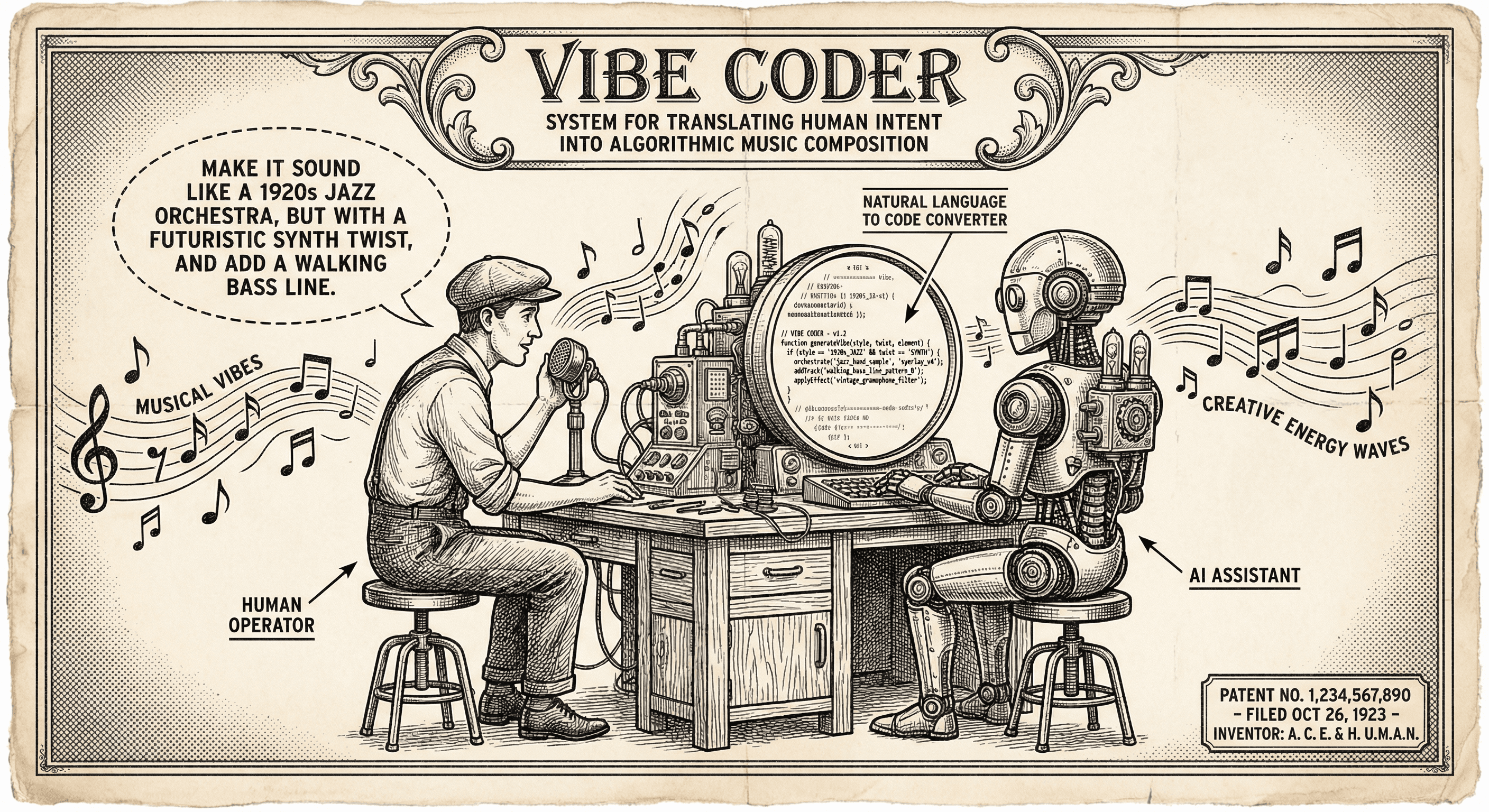
Vibe coding means describing what you want in plain English and using AI to generate or edit code. Here is what it is, who it is for, and how to use it without hitting a wall.
