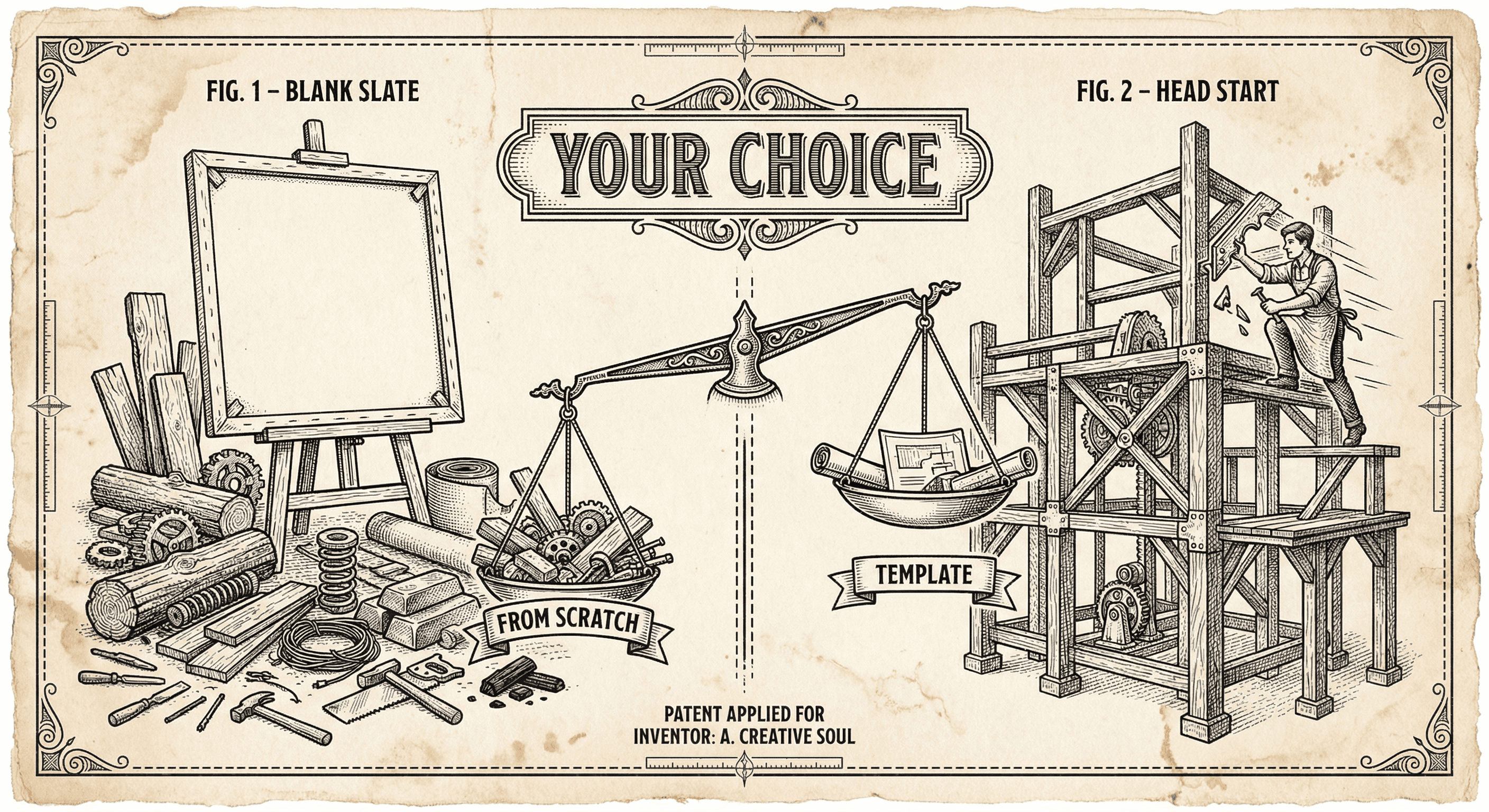
You have an idea for a web app. Do you start from a blank folder and build everything yourself, or do you start from a template that already has login, payments, and deployment wired up?
For most people building their first (or second) product, the answer is: use a template. This guide explains why, when to customize instead of replace, and the rare cases where building from scratch might make sense.
What a Template Actually Gives You
A good SaaS template is not just a theme or a landing page. It is a working application with the unglamorous, easy-to-get-wrong parts already built:
- Authentication — Sign up, login, password reset, optional social login and MFA. Doing this correctly from scratch takes weeks and is easy to get wrong.
- Database and API patterns — How to connect to a database, run queries safely, and expose API routes. A template gives you structure and often row-level security so users only see their own data.
- Payments — Stripe (or similar) integration for subscriptions, one-time payments, and customer portal. Payment logic is full of edge cases; a template handles the boilerplate so you can focus on your pricing and plans.
- Security baseline — Input validation (e.g., Zod), rate limiting, security headers, and env-based secrets. These are easy to skip when you are building from scratch and painful to retrofit later.
- Deployment and environment — Build scripts, environment variables, and a path to deploy (e.g., Vercel). So "it works on my machine" can become "it works on the internet."
When you use a template, you are not cheating. You are standing on work that would take months to replicate and get right. Your job is to add the parts that are unique to your product.
When to Use a Template
Use a template when:
- You want to ship fast and validate an idea. Your advantage is focus and speed, not reinventing auth and payments.
- You are solo or a very small team and cannot afford to build and maintain every subsystem yourself.
- Your product is a typical web app — sign up, login, dashboard, subscription, maybe an API. Templates are built for exactly this.
- You are new to development or vibe coding and want a correct foundation so you do not accidentally leave security holes or skip validation.
- You prefer to spend time on product and users rather than on configuring OAuth or webhooks.
In other words: for most SaaS and web app ideas, a template is the rational choice. It reduces risk and time-to-launch so you can learn whether anyone wants what you are building.
When to Customize (Not Replace)
Templates are a starting point. You will customize:
- Copy and branding — Replace placeholder text, logos, and colors with yours.
- Features and flows — Add the actual value of your product: your forms, your dashboards, your workflows.
- Design — Adjust layout, components, and design tokens to match your brand. Good templates use a design system so you can change colors and spacing in one place.
- Integrations — Add the APIs and tools your product needs. The template gives you patterns; you add the specifics.
Customization means working inside the template's structure — using its auth, its validation patterns, its deployment setup — and changing or extending what matters for your product. You are not rewriting the template; you are filling it in.
When Building from Scratch Might Make Sense
Building from zero is rarely the best use of time for a first product, but it can be reasonable when:
- Your product is nothing like a standard SaaS — e.g., a real-time game, a heavy desktop-style tool, or something that does not need auth or payments at all. Then a generic SaaS template may not fit.
- You are learning deeply — You explicitly want to understand every layer (server, database, auth) and are okay with a long timeline and more mistakes. Even then, you might learn faster by reading and modifying a template first.
- You have strict, unusual constraints — Legacy systems, specific compliance requirements, or a stack that no template supports. That is the exception, not the norm.
For "I have an app idea and I want to get it in front of users," building from scratch is usually a detour. A template gets you to the same destination with less risk and less time.
How to Choose a Template
Look for:
- Production-oriented — Auth, validation, rate limiting, and security headers are implemented, not just suggested.
- Documented — Setup, env vars, and deployment are explained. You can run it locally and deploy without guessing.
- Maintainable — Clear structure, consistent patterns, and (ideally) tests. You will need to understand and change it.
- Aligned with your stack — If you want Next.js and React, use a Next.js template. If you want something else, pick a template for that. Do not fight the template's choices.
Then: clone it, run it, deploy it once, and add one small feature. If that feels manageable, you have a good base. If the template is opaque or fighting you at every step, consider another.
Key Takeaways
- A template gives you auth, database patterns, payments, security basics, and deployment so you can focus on your product's unique value.
- Use a template when you want to ship fast, are solo or small, or are new to building — that covers most first (and second) products.
- Customize branding, features, design, and integrations; do not throw away the template's foundation unless you have a strong reason.
- Build from scratch only when your product is nothing like standard SaaS or you are deliberately learning every layer — and even then, a template can be a better learning tool.
- Pick a template that is production-ready, documented, and aligned with the stack you want to use.