Most templates assume you have a plan. Ship Something™ is built for how you actually work — one feature at a time, changing direction, figuring it out as you go. Here is how five architectural layers keep your codebase healthy while you build piecemeal.
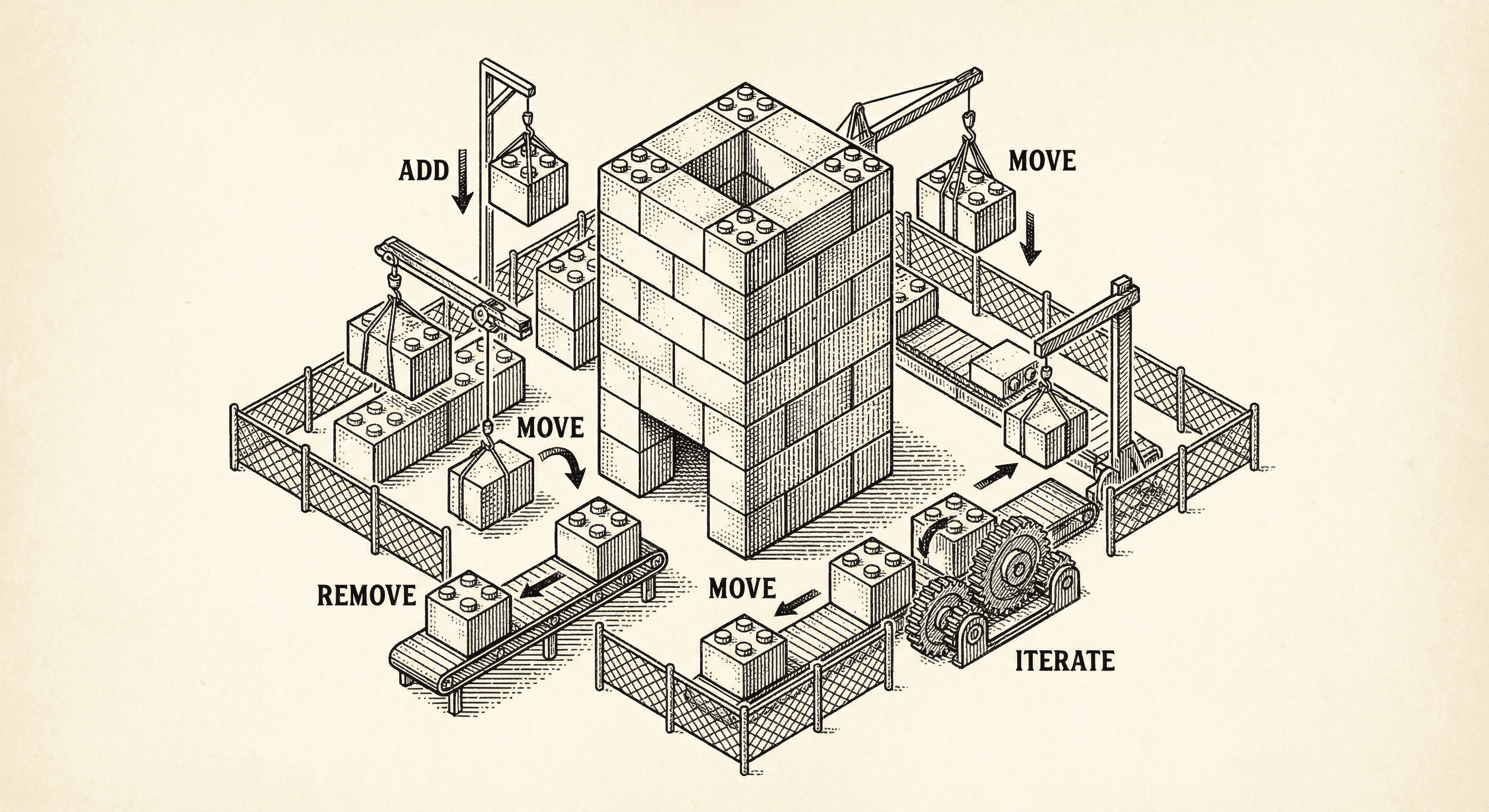
There is a gap between how templates are designed and how products are actually built.
Most starter kits assume you know what you are building before you start. You have a plan. You follow it linearly. Features go in one by one, in the right order, and everything works because the plan accounts for everything.
That is not how it works for most people.
The reality looks more like this. You start with an idea and build a homepage. Then you add an About page. Then a pricing section. Then you decide you need authentication, so you turn that on. Then you change the homepage copy because the messaging was not right. Then you add a blog. Then a contact form. Then you come back after a week and add a new feature you had not thought of yet.
This is piecemeal development. And it is how the majority of solo builders, small teams, and first-time product creators work — especially when working with AI coding assistants.
The problem is that most templates quietly fall apart under this kind of building. Tests break because they assumed a specific state. Pages get inconsistent headers because each one was built independently. Dependencies go stale. Configuration drifts from reality. And nobody notices until something visibly breaks.
Three things go wrong when you build without a rigid plan.
Inconsistency creeps in. You build the homepage with a beautiful header and footer. Then you create an About page, and the AI generates a slightly different header. Then a Privacy page with a bare-bones header. Each page was built independently, so each one diverges slightly. After ten pages, you have five different versions of your navigation.
Dead code accumulates. You refactor a feature. The old imports stay. You move a file. The old file stays. You rename a function. Two files still reference the old name. None of this causes an error — it just adds weight, confusion, and eventually bugs.
Silent breakage goes undetected. You change your product name in the environment config, but the tests still expect the old name. You add a new package, and a tool dependency goes stale. You customize the homepage, and a test that hardcoded the default content now fails — but nobody runs it, so nobody knows.
Ship Something™ is built with five architectural layers that keep your codebase healthy while you iterate freely. You do not need to think about any of this — it works in the background, catching problems before they become visible.
Public pages share a layout through a route group. Instead of each page importing its own header and footer, there is a single shared layout that wraps every marketing page automatically.
When you create a new page inside the marketing route group, it gets the correct header and footer for free. When you change the header, every page updates at once. When you delete a page, nothing else is affected.
Features like authentication, payments, and progressive web app support are opt-in flags — a single environment variable turns them on or off. If a feature is not enabled, its code is never loaded. You can add authentication on day one or day thirty. You can remove it and add it back. Nothing breaks because nothing depends on it being there.
The end-to-end tests do not hardcode expectations like "the page title should be My App." They read from your configuration. If you name your product "Acme Tools," the tests verify "Acme Tools." If you customize your homepage content, the tests verify your content.
Tests for optional UI elements — like a theme toggle or a locale switcher — check whether the element exists before testing it. If your page does not have a theme toggle, the test skips gracefully instead of failing.
This means you can customize freely, and the tests stay valid without manual updates.
The development lifecycle protocol defines three checkpoints that your AI coding assistant follows automatically.
At the start of a session, it captures a baseline — a snapshot of which tests pass and which fail. During active work, it runs quick checks (lint, unit tests, build — about thirty seconds) after every change. When a feature is complete, it runs the full test suite including end-to-end tests, compares against the baseline, and reports any regressions.
The assistant recognizes natural language. Say "ship it" and it runs the full verification. Say "let is go live" and it adds the launch checklist. You do not need to know which commands to run — the protocol handles it.
A postinstall hook in the project ensures that tool dependencies — specifically Playwright browser binaries — are always current. Every time you run npm install, the browsers are updated automatically. This prevents the kind of silent stale-dependency failures that waste hours.
Health check scripts audit your configuration against best practices, catching mismatches between your environment variables, your validation schemas, and your documentation.
At every feature completion checkpoint, the AI assistant runs a hygiene scan alongside the test suite. It checks for unused exports, orphaned files, stale imports, pattern drift, and oversized component files.
This is not a one-time cleanup. It happens every time you finish a feature. Small messes are caught and cleaned before they compound into the kind of tangled codebase that makes you want to start over.
Every builder has abandoned a project because the codebase got too messy to work with. Not because the idea was bad — because the foundation could not keep up with the way they were building.
Ship Something™ is designed for reality. Add features when you think of them. Change direction when you need to. Remove what does not work. Come back after a break and pick up where you left off. The foundation stays solid because it was built to handle exactly this kind of work.
You do not need a PRD. You do not need a technical plan. You do not need to build features in the "right" order. You just need to build — and the foundation handles the rest.
Everything above assumes you are figuring it out as you go. But some builders start with a clear vision. They know the product, the audience, and the features before they write a line of code. For them, piecemeal is not freedom — it is friction. They want to describe the product once and have it built.
That is a different way to build, and it is equally valid.
If you have a product requirements document — a PRD — Ship Something™ can follow it. The same guardrails that keep piecemeal building healthy also keep planned building consistent. The difference is where the direction comes from: you, one instruction at a time, or a document that describes the whole product upfront.
Ship Something™ supports both. And if you start building piecemeal and later decide you want a structured plan, the product brief you have been building along the way gives you a foundation to work from.
For a deeper look at these two approaches and how they complement each other, read Two Ways to Build — And Why We Made Tools for Both.
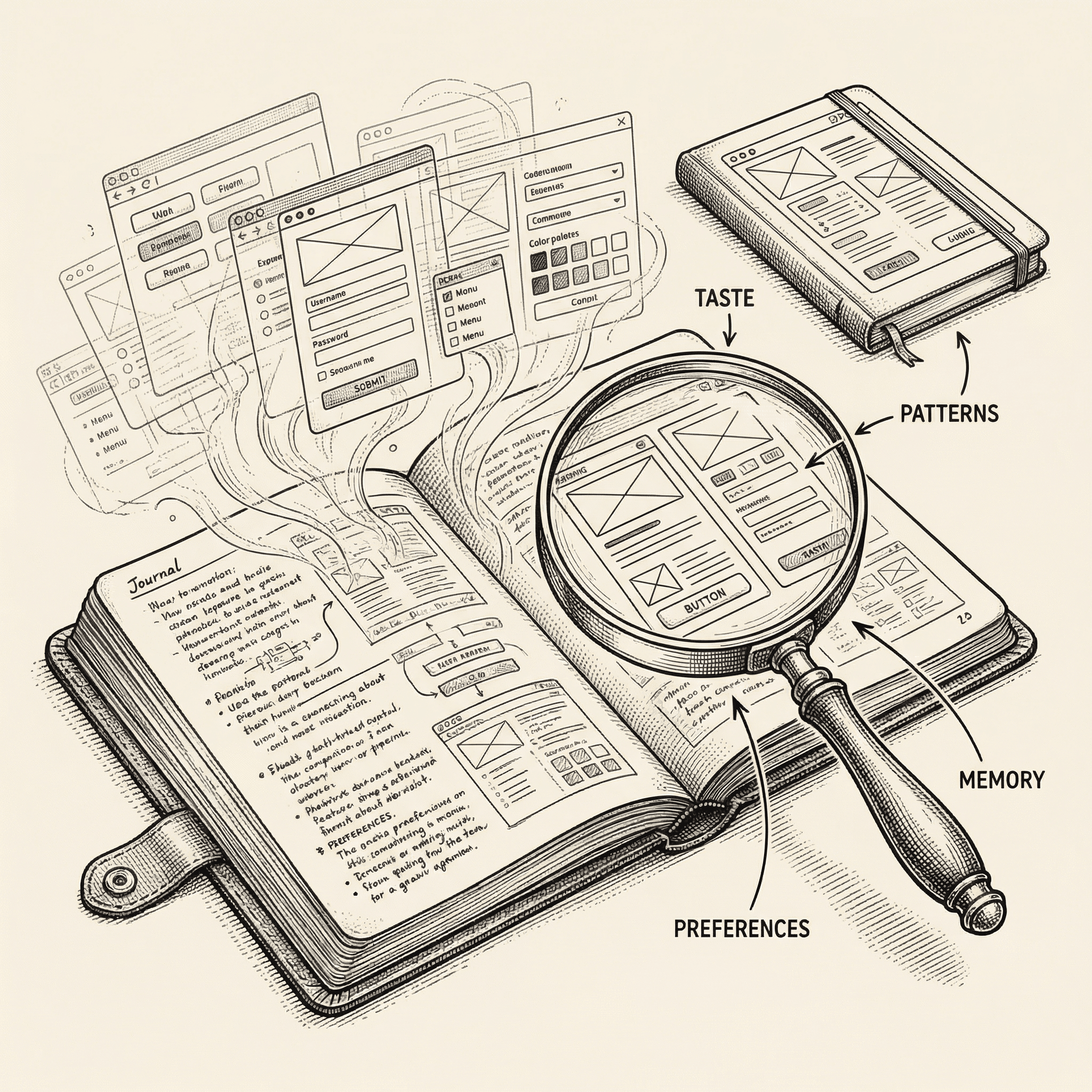
Every builder has taste. The way you choose corners, copy, layouts, and workflows is yours. Ship Something™'s builder profile watches, learns, and carries that knowledge into every project you start.
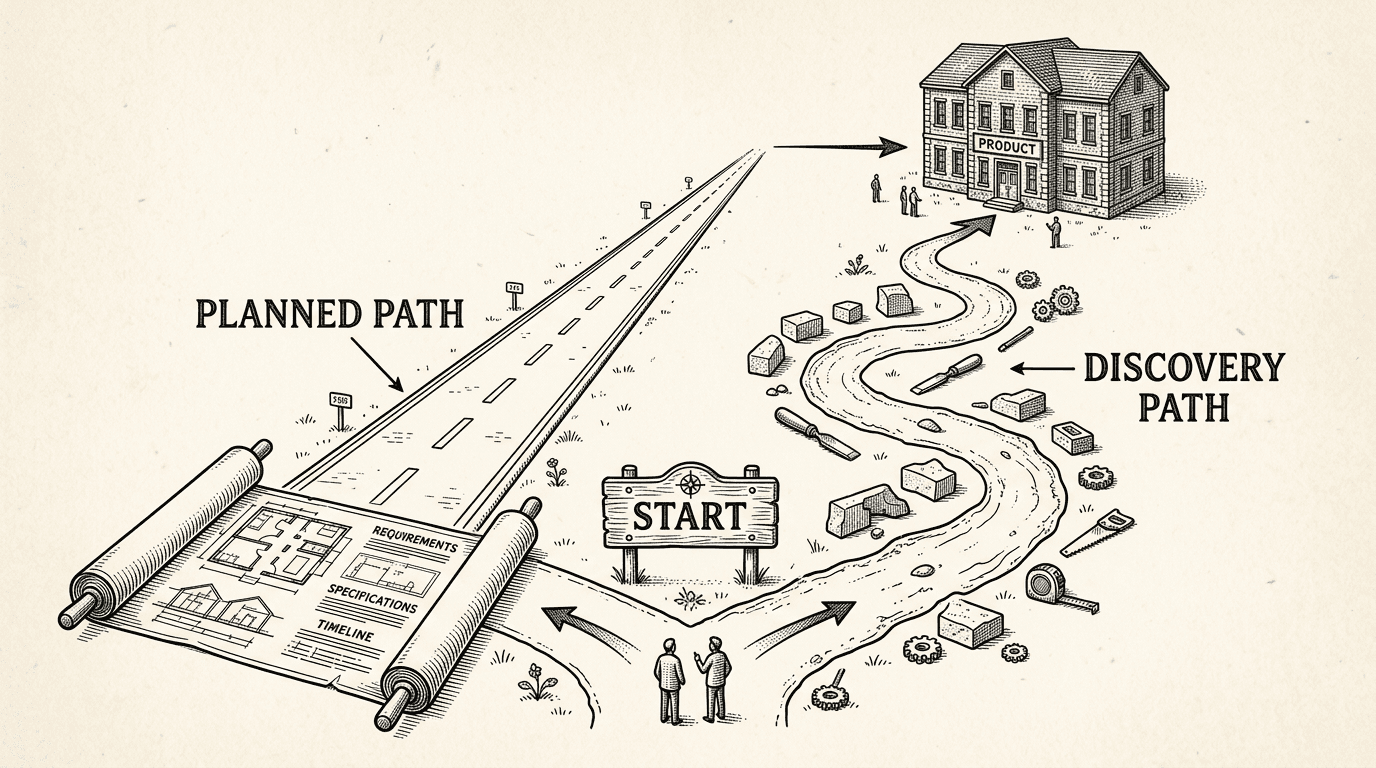
Some builders start with a plan. Others start with an idea and figure it out as they go. Both approaches work. Here is how Ship Something™ and PRD Maker support each one — and why the best path might be a combination of both.
